
Best Desk for Home Office in 2026:
Budget to Premium Picks
Desks organized by real budget — $100–200, $200–500, and $500+ — plus recommendations by job type, from writers to multi-monitor developers.
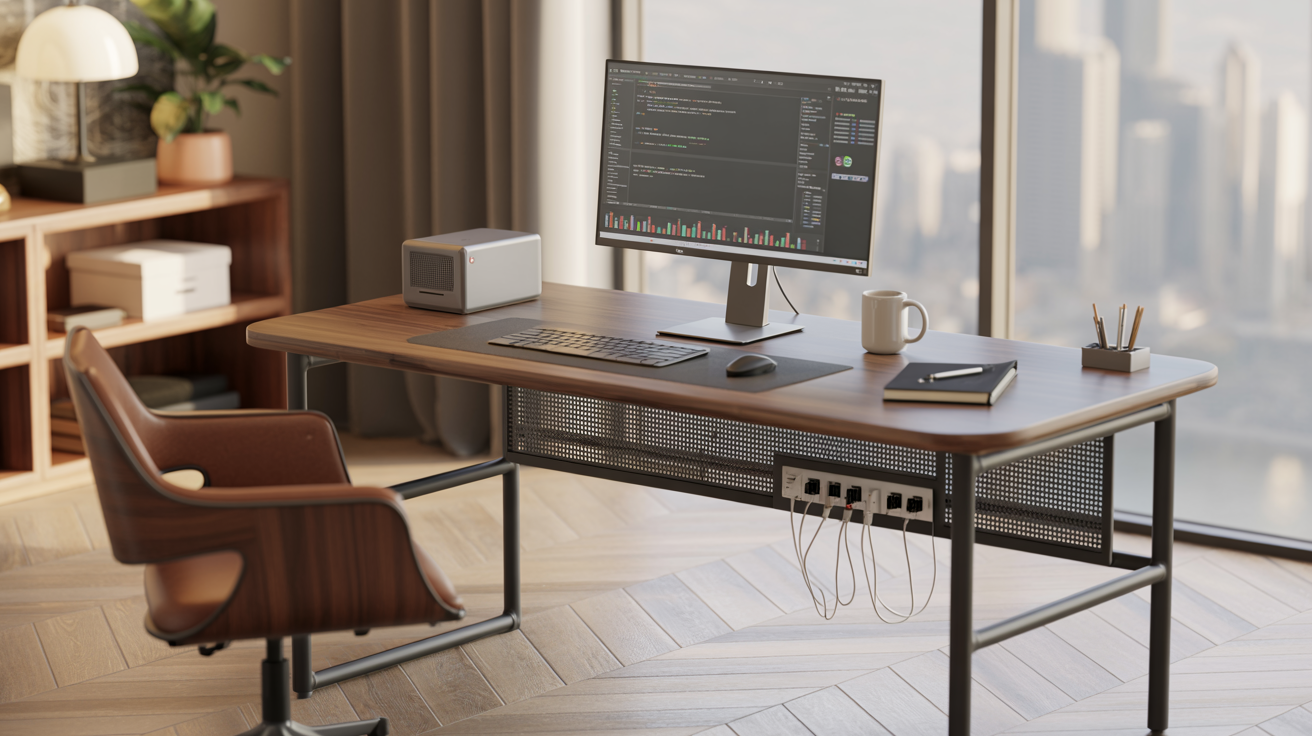
- What counts as the "best" desk really comes down to your job more than your budget — a writer's needs look nothing like a developer's running three monitors.
- Budget desks ($100–200) get you a solid fixed sitting desk; mid-range ($200–500) is where electric standing desks and L-shapes start showing up; premium ($500+) adds dual motors, higher weight capacity, and nicer materials.
- A standing desk isn't automatically better than a sitting one — most experts point to roughly a 50/50 sit-stand split rather than standing all day long.
- Desk depth deserves just as much attention as width — 24 to 30 inches fits most home offices comfortably without eating into your walkway.
- L-shaped desks buy you a lot of real surface area for multi-monitor setups, but you'll need roughly a 5x5 foot corner for one to actually work.
- Wobble complaints cluster heavily around desks under $300 with a single motor — dual-motor models above that price tend to feel noticeably steadier.
Why the "Best" Desk Depends on You
There's really no single best desk for home office work — there's a best desk for your job, your space, and your budget. A cramped writer's desk falls apart for a developer running three monitors, and a $900 executive L-shape is total overkill for someone who just needs somewhere stable to put a laptop.
This guide breaks desks down by real budget tiers, desk type, and what actually fits different jobs — so you end up with the right match, not just whatever's rated highest overall. Not sure what you can realistically spend across your whole setup? Run your numbers through our home office budget calculator first.
Desk Types: What's Actually Out There
Before getting into budget, it helps to know the core desk types you'll run into at every price point.
Sitting vs. Standing vs. L-Shape: Side-by-Side Comparison
Here's how the three most common desk categories stack up on what actually matters for a home office. If you're still weighing whether the standing feature is worth paying for at all, our dedicated standing desk vs. sitting desk comparison breaks down the health and cost trade-offs in more depth.
| Factor | Fixed Sitting Desk | Electric Standing Desk | L-Shaped Desk |
|---|---|---|---|
| Starting price | $80–$150 | $200–$350 | $180–$400 |
| Surface area | Small–Medium | Medium | Large |
| Health benefit | None | Reduces prolonged sitting | Depends on base type |
| Space needed | Minimal | Moderate | Requires a corner |
| Multi-monitor friendly | Limited | Moderate | Excellent |
| Assembly difficulty | Easy | Moderate | Moderate–Hard |
| Best for small apartments | Yes | Depends on footprint | Usually no |
Size Guide: What Actually Fits Your Space
Dimensions matter more here than most people expect going in — an oversized desk crammed into a small room causes daily friction that outlasts the excitement of a new purchase pretty quickly.
Budget Categories: What You Get at Each Price Point
Here's what changes as you move up in price — and where the real jump in build quality happens.
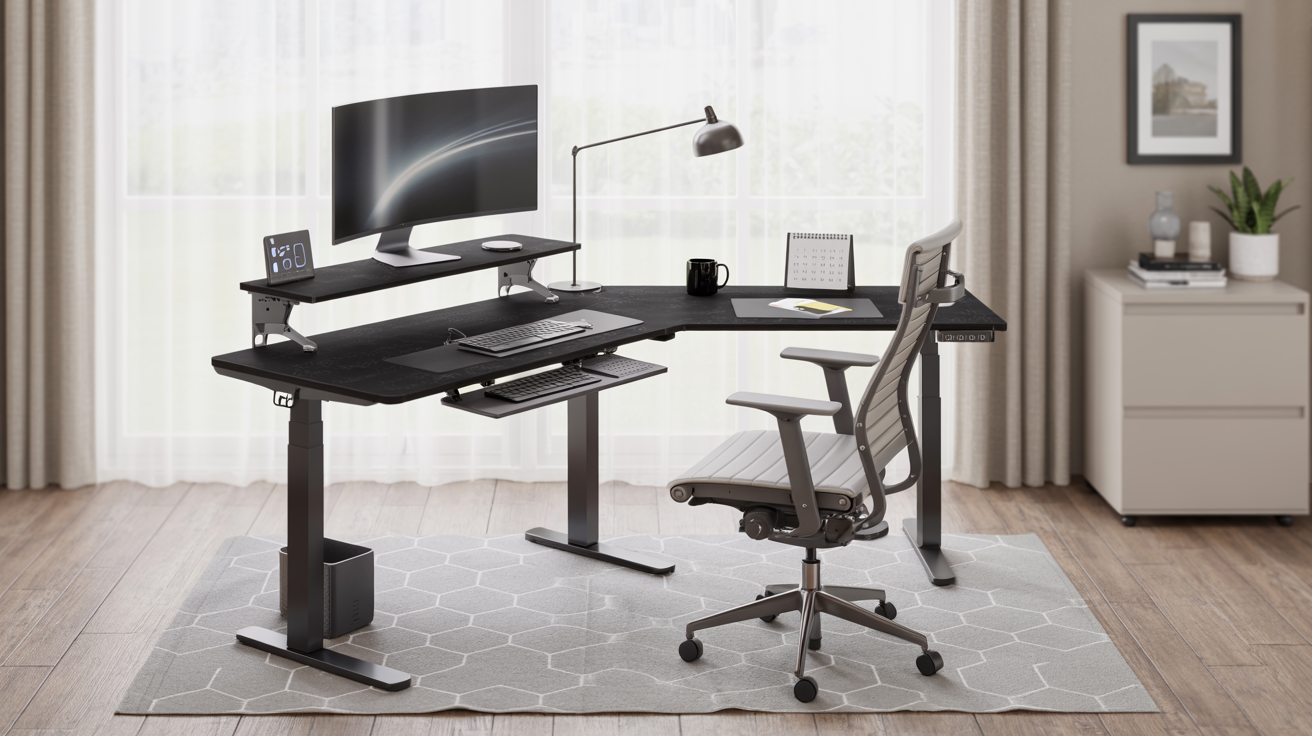
At this price point, you're mostly looking at a solid fixed desk with basic cable management, or an entry-level electric standing desk running a single motor. Weight capacity usually handles a laptop and one monitor fine, but a bit of wobble at full standing height is a common trade-off on the single-motor models. This tier does the job for laptop-only or single-monitor setups that aren't getting repositioned constantly.
This is really where things start feeling stable — dual-motor desks, memory height presets, and standing movement that doesn't wobble at all become the norm. Well-known models like the FlexiSpot E7 and VIVO L-shaped electric desks live in this range and hold up well in day-to-day testing. Most remote workers end up here, honestly — it's the sweet spot where quality-to-cost stops improving much even if you spend more.
Premium desks bring faster height adjustment, higher weight capacity (250+ lbs), quieter motors (under 40dB), and better warranty coverage. Models like the Uplift V2 and Vari L-Shape come up often as top performers in this tier. Worth spending on if you're running a heavy multi-monitor setup, sharing the desk across a household, or just want the desk to be a genuine long-term purchase rather than a starter piece.
Top Picks by Job Type
What counts as the "best" desk shifts a lot depending on what you're actually doing at it all day. Here's a rough guide to matching desk type with role.
Conclusion: Match the Desk to the Job, Not the Trend
Standing desks and L-shapes get most of the attention online, but the right desk really just comes down to fitting your space and matching how you actually work. A $150 fixed desk that fits your room perfectly beats a $500 L-shape crammed somewhere it doesn't belong, every time.
Measure your space, figure out how much surface area your job genuinely needs, and pick the budget tier that matches that — not the tier that looks most impressive in a product listing.
For everything else your home office needs beyond the desk itself, see our complete home office setup checklist.
Your Desk Should Disappear Into Your Workflow
The best home office desk isn't the one you notice — it's the one that fits your space, supports your job's real demands, and stays out of the way of getting work done.
Start with your budget tier, check the size guide against your actual space, and pick based on job type — not trend.
Add a Comment