
Glass Desk for Remote Work:
Is It Actually Worth It?
Thinking about a glass desk for your home office? Here's the honest breakdown — what works, what's annoying, and how to set one up so it actually works for you.
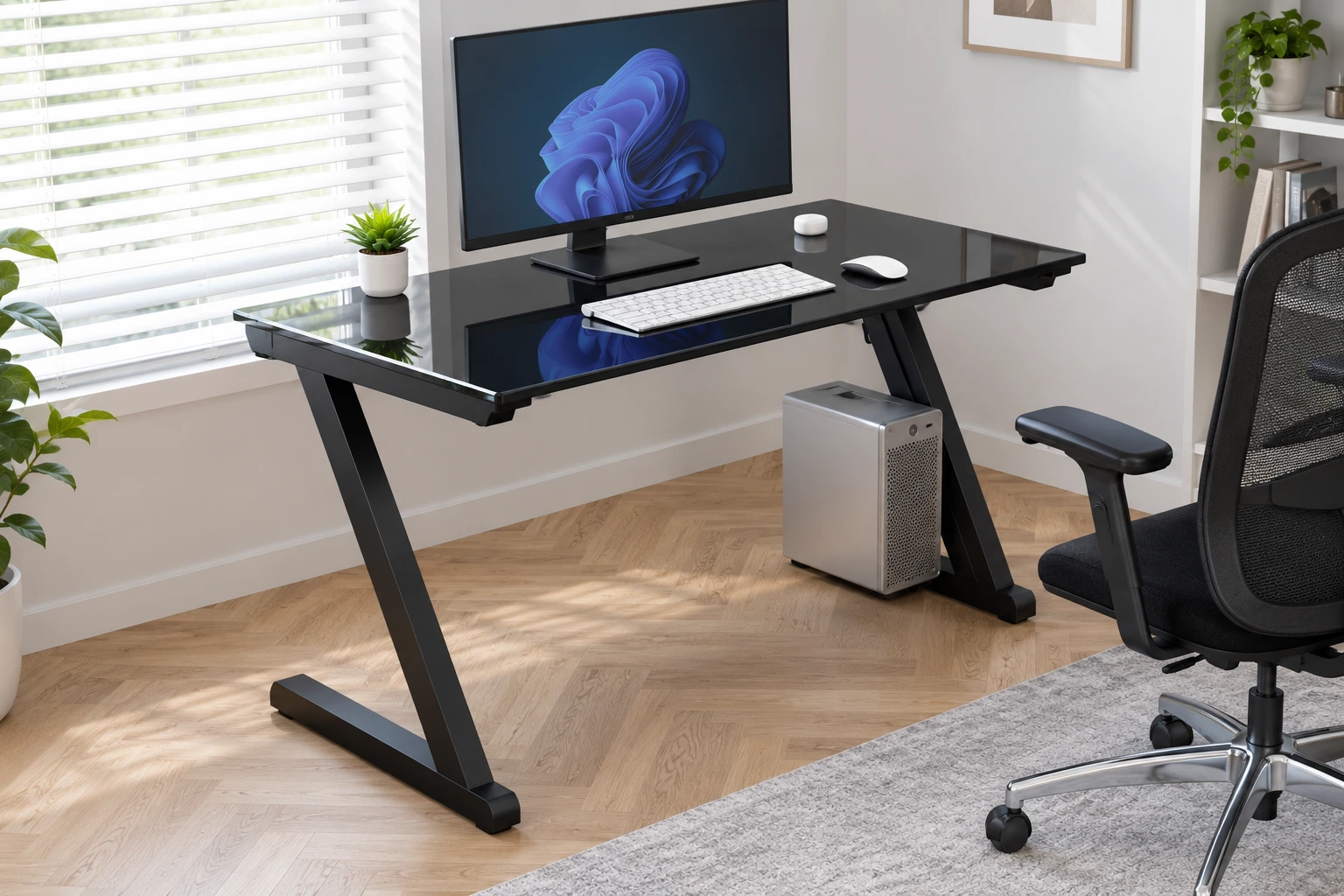
- Tempered glass is non-negotiable — it's four to five times stronger than regular glass and crumbles into blunt pieces rather than sharp shards if it ever breaks.
- Frosted glass is the more practical daily choice for most people — it hides fingerprints and reduces glare while still looking clean on video calls.
- A desk mat solves most common complaints at once: glare, noise, fingerprints, and optical mouse tracking.
- Glass desks genuinely shine in small or shared spaces — the visual transparency keeps a room from feeling cramped in a way solid wood can't match.
- 8mm is the realistic minimum thickness for daily use; step up to 10–12mm if you're running two monitors or heavier gear.
- You can never drill into tempered glass — every accessory (monitor arms, lighting, risers) needs to clamp to the frame or sit freestanding on the surface.
Introduction
A glass desk looks incredible in a home office photo — clean lines, light bouncing through the surface, a room that feels open instead of cluttered. It's the kind of desk that makes a setup look like it belongs in a magazine.
What most people don't think about is day three of actually owning one. That's usually when the coffee-cup rings start showing up everywhere, the afternoon sun turns the surface into a second monitor-glare source, and every keystroke suddenly sounds just a little louder than it used to.
If you're still putting the rest of your workspace together, our remote work setup guide for beginners and our roundup of the best remote work tools for 2026 are worth a look before you commit to a desk — the furniture is easier to pick once the rest of the setup is sorted.
What You're Actually Buying
A glass desk, at its core, is just a tempered glass top sitting on a frame — usually metal, sometimes wood, sometimes a mix. The frame does the structural work; the glass is there for the look and the surface feel. Beyond the obvious aesthetic appeal, there's a genuinely practical reason a lot of remote workers reach for one: the transparency keeps a desk from visually swallowing a small room the way a solid wood slab tends to. If you're on video calls a lot, a glass desk in frame also reads as clean and put-together without requiring you to stage anything elaborate behind you.
Tempered Glass Is the Only Option, Full Stop
This part isn't really a style choice — it's a safety one. Regular glass, if it breaks, shatters into long, sharp shards, which is a genuinely bad thing to have near a monitor, a keyboard, or your hands. Tempered glass is heat-treated to be four to five times stronger, and if it ever does break, it crumbles into small, blunt pieces instead.
Clear, Frosted, or Tinted — It Matters More Than You'd Think
Each finish trades off differently between looks and daily maintenance.
The dramatic option — fully see-through, looks striking, and shows absolutely everything underneath and on top of it. Every fingerprint, every tangle of cables, every coffee ring.
A soft, matte, semi-opaque finish from chemical etching. It hides fingerprints far better, cuts down on glare, and honestly looks a bit more polished on camera. For most people, this ends up being the more livable daily choice.
Grey, bronze, or black — does a similar job of hiding what's underneath while adding a bit more visual weight and warmth, which suits darker office aesthetics.
What's Genuinely Good About Them
They make small rooms feel bigger — and look better on camera. Because glass doesn't visually "fill" a room the way solid wood does, a glass desk in a small apartment office or a bedroom-office combo tends to read as open rather than cramped. And since your desk is part of your video call backdrop these days whether you like it or not, a clean glass surface does a lot of the "looks professional" work for you without extra effort.
Cleaning is genuinely easy — once it's part of your routine. Glass doesn't absorb anything, so spills just sit there instead of soaking in. A microfiber cloth and basic glass cleaner handle most marks in under a minute, and there's zero risk of the watermark or swelling issues you get with wood. The catch is that it needs more frequent wiping than you'd expect — skip it for a few days and the smudges pile up fast.
The surface itself is genuinely nice to work on. It stays perfectly flat and consistent in a way wood eventually doesn't after years of use, which is a small but real plus for mouse movement, writing, and placing things precisely.
What Actually Gets Annoying
Fingerprints, basically immediately. If you rest your hands on the desk while reading something — which almost everyone does without thinking — clear glass will show it. Same with coffee rings. This is the single most common complaint people have after buying one, and it's solved almost entirely by a desk mat covering the main work area plus a quick daily wipe. Frosted glass makes this a non-issue at normal viewing distance.
Every cable is on display. On clear glass, anything routed under or across the surface is fully visible — which, with a monitor, a dock, a webcam, and a lamp, adds up to a genuinely messy-looking tangle in every video call. This is honestly the biggest visual letdown people run into, and it's worth having a cable plan sorted before the desk even arrives, not after your first call.
Glare shows up at the worst times. A clear glass top reflects light upward into your monitor, which is a different (and additional) kind of glare than whatever your screen is already dealing with. How bad this gets really depends on your room — north-facing rooms with soft, even light barely notice it, while south- or west-facing rooms with direct afternoon sun can find it genuinely distracting. A desk mat over most of the surface knocks this down significantly.
It's a bit louder than you'd expect. Typing, setting down a mug, placing your phone down — all of it produces a slightly harder, more resonant sound on glass than on wood. For most people this is barely worth mentioning. If you're recording audio or on calls where background noise actually matters, it's worth pairing the desk with a mat and maybe a keyboard wrist rest.
Does It Actually Fit Your Setup?
- The surface material isn't really the issue — chair, desk height, and monitor position matter far more for comfort
- Just make sure desk height suits you and pair it with a proper chair
- Keep your monitor at eye level regardless of desk material
- Weight is rarely the issue — two 27" monitors on stands add up to maybe 15–20 lbs
- The real consideration is monitor arms — clamp-style works fine on metal-framed desks
- Thin or wooden frame edges may need a grommet-mount arm instead
- This is genuinely where glass desks shine the most
- Visual openness keeps the desk from dominating the room
- Creates a defined work area without making the room feel smaller
Picking One: What Actually Matters
- Thickness. 8mm is the realistic minimum for safe daily use. If you're running two monitors, a dock, or generally heavier gear, step up to 10 or 12mm — thicker glass also means less vibration and a quieter typing experience.
- Size and shape. A 48–60 inch rectangular desk suits most single or dual-monitor setups without feeling cramped. L-shaped desks work well for two distinct zones; corner desks are the move for squeezing a real workspace into a small room.
- Frame material. Metal frames (steel or chrome) give a clean modern look and make attaching monitor arms straightforward. A wood or MDF base with a glass top gives a warmer, slightly less industrial feel — glass top, wood legs has become a popular home office look.
- Weight capacity. Most decent glass desks support 100–200 lbs, which covers basically any home office setup comfortably — but confirm it in the listing, especially if you're planning to add a lot of gear over time.
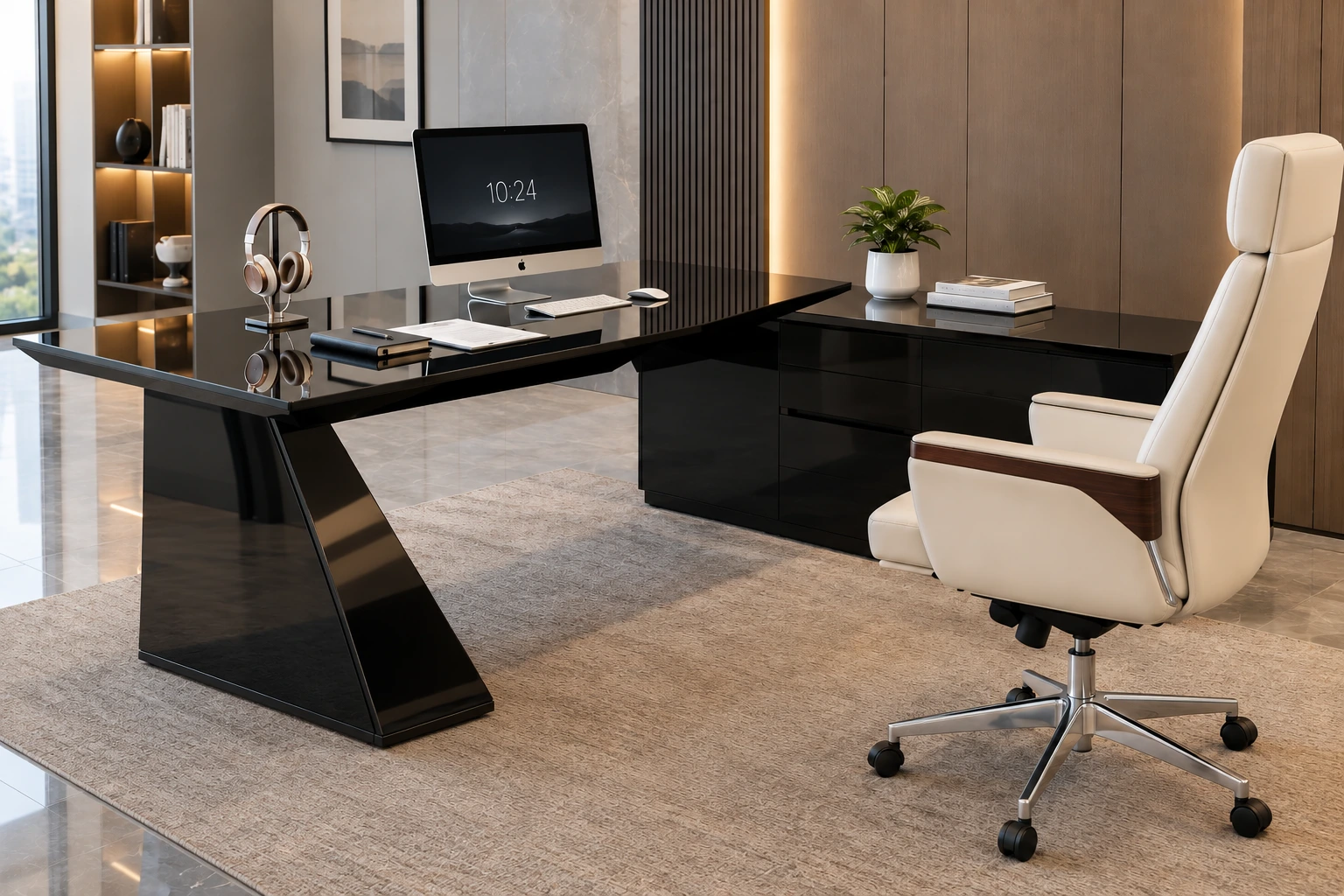
Setting One Up So It Actually Works
- Get a desk mat on day one. It solves three problems at once — cuts glare, muffles typing and setting-down noise, and gives optical mice something to actually track on. It also protects the glass from the small scratches keyboards, mugs, and laptop edges leave over time.
- Plan your cables before the desk arrives, not after. You can't drill into tempered glass, so everything has to attach to the frame or route underneath. Adhesive cable clips, an under-desk cable tray, or a fabric cord sleeve all work well. Switching to wireless keyboard and mouse alone removes a surprising amount of visible clutter.
- Never drill into the glass, for anything. Monitor stands, risers, lamps — all of it needs to attach via clamp, through existing pre-drilled holes, or sit as a free-standing base on the surface. A USB-powered light bar that clips onto your monitor's top edge adds lighting without touching the desk at all.
- Clean it properly, not aggressively. A quick daily pass with a dry or very lightly damp microfiber cloth, wiped in straight overlapping strokes, takes about 30 seconds. For a deeper weekly clean, spray glass cleaner or diluted white vinegar onto the cloth — never directly onto the glass — wipe in one direction, and follow immediately with a dry cloth. Skip paper towels and avoid circular wiping, which causes streaking.
Glass vs. Wood vs. Metal, Quickly
| Material | Best For | Trade-Off |
|---|---|---|
| Glass | Small spaces, video-call-heavy days, modern look | Needs regular maintenance; cable visibility on clear tops |
| Wood | Long work sessions, low-maintenance daily use | Visually fills a room more; can water-stain or swell over time |
| Metal | Heavy gear, industrial aesthetic | Limited aesthetic warmth |
If you're in a small apartment or spend a lot of time on camera, glass tends to edge out the alternatives on the aesthetic-to-space trade-off. If all-day comfort and zero daily upkeep matter more to you than how it looks, wood is still the more practical everyday pick.
Common Mistakes to Avoid
- Buying a desk without confirming it's actually tempered glass. Some budget listings just don't specify — in that case, assume it isn't and look elsewhere.
- Going clear glass without a cable plan. Product photos never show cables, but your real desk will have plenty — plan for this before the desk shows up, not after.
- Skipping the desk mat. Probably the single most avoidable mistake — it resolves most common complaints (glare, noise, fingerprints, mouse tracking) in one purchase.
- Placing a clear glass desk directly in a south- or west-facing window. Afternoon sun hitting that surface creates serious glare. Reposition so light comes from the side, or go frosted instead.
Only on remoteworksetup.info — The Gut Check Before You Buy
Which way does your main window face? South or west means real glare risk — plan for a frosted top or a desk mat, or reposition the desk.
How many cables does your current setup actually have? More than four or five means you need a real cable plan before going with clear glass.
Are you on video calls for a couple of hours most days? If so, the professional look of a glass desk is a genuine asset worth the small maintenance trade-off.
Is your office in a small or shared room? If yes, glass is one of the better choices available specifically for that reason.
If your answers lean toward "lots of video calls" and "small space," a glass desk is a strong fit. If they lean toward "sunny window" and "cable mess with no plan," either solve those two things first or go frosted from the start.
Frequently Asked Questions
Go Tempered, Go Frosted, Have a Mat Ready
A glass desk isn't the right call for everyone, but for the right setup, it's genuinely a great one. If you're working in a small space, spend a lot of time on video calls, and like the clean, modern look — glass does all three better than most alternatives, especially once you add a desk mat and a real cable plan from the start.
If your room gets hit with serious afternoon sun, your desk already has a tangle of cables you haven't dealt with, and you'd rather not think about maintenance at all — wood is probably the more practical everyday choice.
Either way, the decision gets a lot easier once you know what you're actually weighing. Go tempered, go at least 10mm if you can, and have a desk mat ready from day one.