Remote Work Setup for Beginners:
The Complete A-to-Z Guide
Everything a first-time remote worker needs — equipment, internet, software tools, workspace tips, and the mistakes to avoid — all in one place.
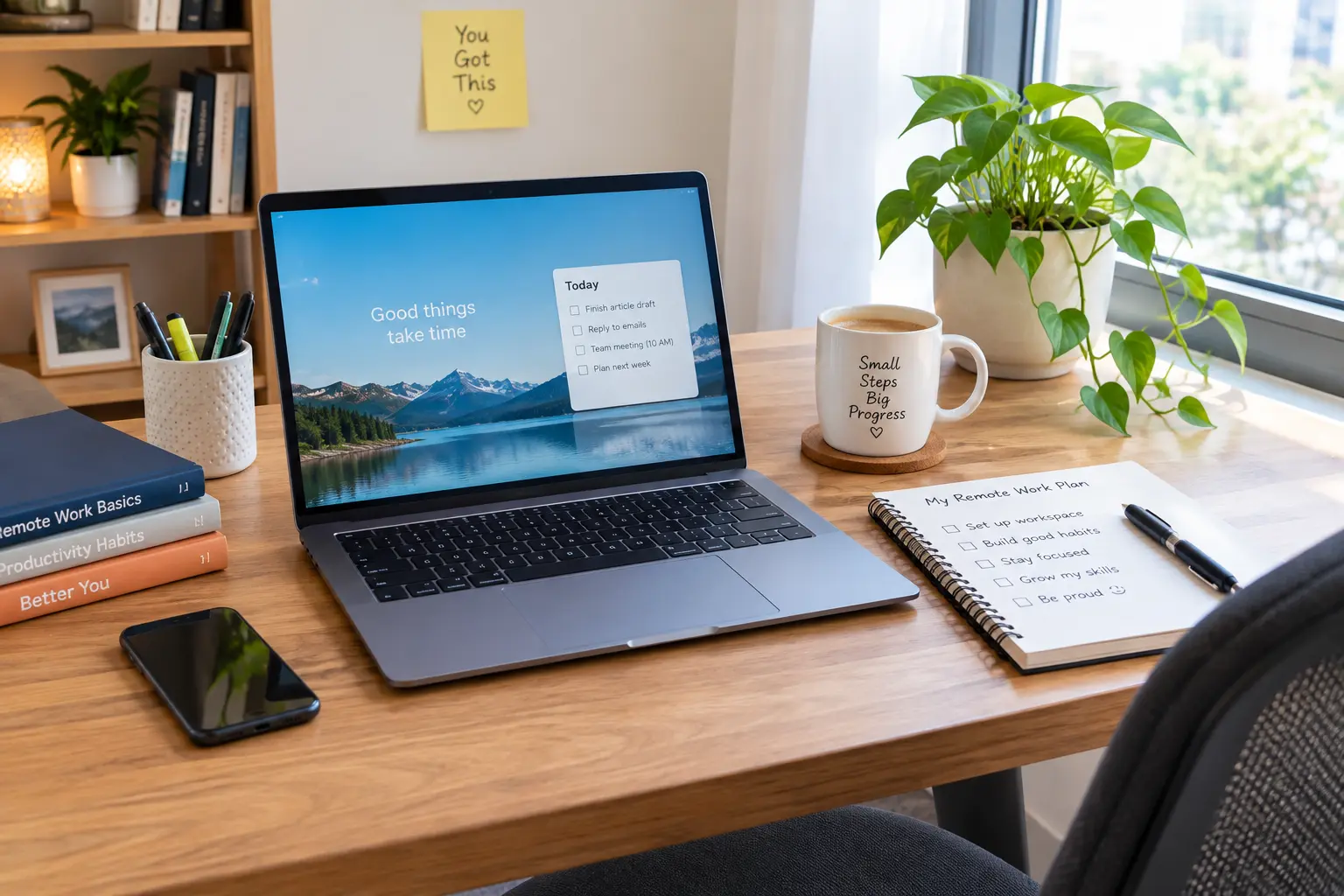
- A first-time remote worker setup covers five things: equipment, internet, software tools, workspace, and habits — you don't need all five perfect on day one, just functional.
- Most employers provide the laptop and core software; internet, workspace, and daily routine are almost always your own responsibility.
- A reliable internet connection matters more than an expensive desk setup — test yours before your first scheduled call, not during it.
- You'll use three categories of software as a beginner: communication tools, task/project tools, and file storage — most companies choose these for you.
- A consistent workspace, even a small one, builds a stronger remote work habit than an elaborate setup used inconsistently.
- The most common first-time mistakes are all preventable: untested tech, no internet backup, and starting without a real "off" habit at the end of the day.
Getting Started: What This Guide Covers
Starting your first remote job comes with a specific kind of pressure — nobody hands you a manual for "how to work from home," and most advice online assumes you already know the basics.
This guide walks through everything a first-time remote worker actually needs, in the order it usually comes up: what to buy, how to get online reliably, which software categories you'll use, how to set up your space, and the mistakes worth avoiding from day one.
Equipment List: What You Actually Need
Not every item below is required — and some are usually provided by your employer. Here's how to think about each one before you buy anything.
For a full budget breakdown by priority — what to buy first if money is tight — see our complete home office setup checklist.
Internet Needs: What "Reliable" Actually Means
Internet reliability matters more for a first-time remote worker than almost anything else on this list — a dropped call in week one creates a worse impression than a plain background ever could.
| Use Case | Minimum Upload Speed | Notes |
|---|---|---|
| Email & chat only | 1–3 Mbps | Very light requirement |
| Standard video calls | 3–5 Mbps | Zoom/Teams HD video minimum |
| Video calls + screen sharing | 5–10 Mbps | Common for daily meetings |
| Large file uploads | 10+ Mbps | Design, video, or heavy data roles |
Software Tools: What You'll Actually Use
Most first-time remote workers worry about picking the "right" tools — but in reality, your employer chooses almost all of them. Here's what to expect by category:
- CommunicationVideo calls and daily messaging — commonly Zoom, Microsoft Teams, Slack, or Google Meet. You'll typically be added directly by your employer; no need to sign up yourself in advance.
- Task & ProjectTracking your work — commonly Asana, Trello, Monday.com, or Jira depending on the role. Your manager will usually walk you through this in week one.
- File StorageShared documents and files — commonly Google Drive, Microsoft OneDrive, or Dropbox. Confirm during onboarding whether you need a personal account or a company-provided one.
- Time TrackingSome roles use tools like Toggl or Clockify to log hours — not universal, but common for hourly or contract remote positions.
Workspace Tips: Setting Up Your Spot
You don't need a dedicated office to work well from home — you need one consistent spot that your brain learns to associate with "work mode."
- Pick one spot and stick with it. Consistency builds the habit faster than an elaborate setup used in a different place every day.
- Get your screen to eye level. Books or a box under a laptop works fine to start — no purchase required.
- Face away from your bed if possible. Keeping work out of view of your rest space helps you switch off at the end of the day.
- Add light from the side, not behind your screen. Reduces both glare and eye strain during long call days.
If you're working from a small apartment or a shared space with no extra room, our guide to small apartment home office ideas covers renter-safe, no-drill setups that don't require a dedicated office.
Common Mistakes First-Time Remote Workers Make
- Testing equipment for the first time on day one. Do a full practice call — video, audio, screen share — at least a few days before your start date.
- Buying equipment your employer was already providing. Confirm with HR before purchasing anything beyond basic accessories.
- Having no internet backup plan. A single dropped call during an important meeting is avoidable with minimal planning ahead of time.
- Working from a different spot every day. This delays building a routine and makes it harder to mentally "start" and "stop" work.
- Never fully logging off. Without a commute or office to leave, the workday can quietly stretch into the evening — set a clear stop time from week one.
You're More Ready Than You Think
You don't need every item on this page before your first shift — you need reliable equipment, a working internet connection, and a spot you can return to every day. Everything else can improve over your first month.
Start with the equipment list, test your internet this week, and pick your workspace. The rest will come together as you settle in.
Add a Comment