How to Stay Focused Working from Home:
Proven 2026 Guide
Staying focused at home isn't about willpower. It's about building a system — the right space, the right schedule, and the right boundaries — that protects your attention automatically.
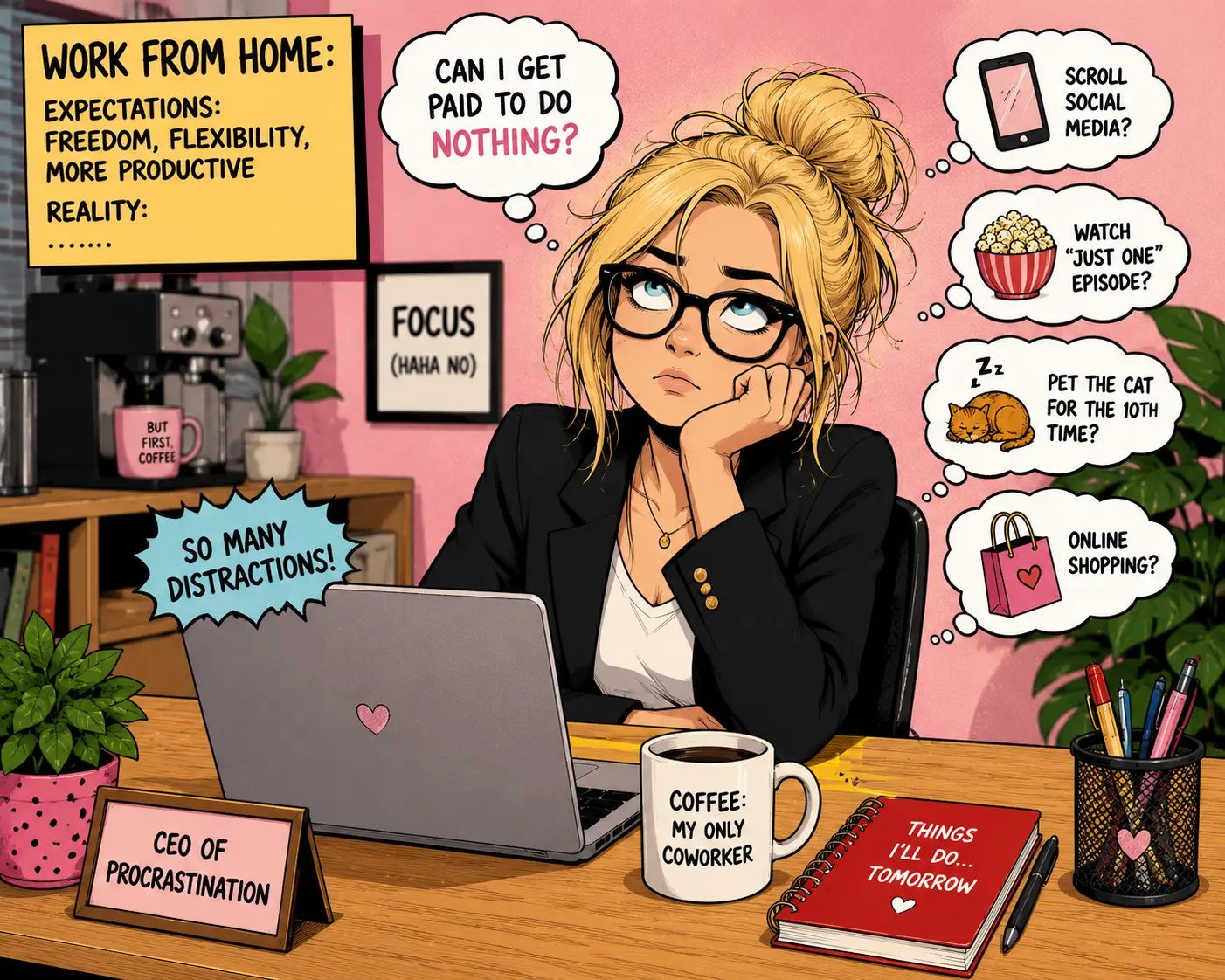
- Research from UC Irvine found it takes over 23 minutes to fully regain deep focus after a single disruption — which is why preventing interruptions matters far more than recovering from them.
- Remote focus depends on three things working together: your environment (where you work), your schedule (when you work), and your habits (how you work). Weakness in any one area is usually why focus breaks down.
- Roughly 70% of remote workers say focused work becomes easier at home than in an office — once a routine is in place.
- Digital interruptions, not physical ones, are now the leading cause of lost concentration for remote workers. Notification overload and app-switching cost workers an estimated 200 hours per year.
- Time-blocking your calendar is consistently cited as the single most effective focus habit — it removes the need for moment-to-moment willpower and replaces it with a repeatable structure.
- Small, repeatable systems beat willpower. Sustainable focus comes from routines and environment design, not motivation or discipline alone.
The Real Problem: Interruptions, Not Discipline
You've got the laptop open, coffee made, and a to-do list ready to go. Then a notification pings, a family member walks in, or you catch yourself checking your phone — and thirty minutes vanish.
If this sounds familiar, you're not alone. Recent research shows the average worker faces around 15 interruptions per hour, and it takes over 23 minutes to fully regain deep focus after just one disruption.
What Is Focus When Working from Home?
Focused work from home is the ability to sustain attention on a single task, in your home environment, without being pulled away by digital, physical, or environmental distractions. It is a skill built through habits and space design — not a personality trait.
The Three Pillars of Remote Focus
Remote focus depends on three things working together. Weakness in any one of these areas is usually why focus breaks down — even when the other two are solid.
Why Staying Focused at Home Matters More Than Ever in 2026
Remote and hybrid work are now permanent fixtures of the modern workplace. According to Gallup, among remote-capable employees, 52% now work hybrid and 27% work fully remote — meaning distraction management has become a core professional skill, not a personal quirk.
How to Create a Distraction-Free Home Workspace
A distraction-free workspace is a designated area used only for work, positioned away from household traffic, with minimal visual clutter and clear physical boundaries. This separation trains your brain to associate that space with focused work.
- Pick one fixed spot. Even a small desk in a corner works better than the couch — your brain learns to associate that seat with "work mode" and transitions faster every time you sit there.
- Face away from high-traffic areas. Reduce visual movement in your peripheral vision — one of the most common physical distractions that breaks concentration without you noticing.
- Keep your desk visually clean. Clutter increases cognitive load before you've even started a task. A clear surface signals a clear mind.
- Use a "closed door" or visual signal. If you share your home, a closed door, headphones, or a small sign tells others you're in focus mode — before they interrupt.
- Invest in one good chair and monitor setup. Physical discomfort breaks focus faster than almost anything else. See our ergonomic home office setup guide for specifics.
The Best Daily Schedule for Staying Focused Remotely
The best remote work schedule blocks your day into focused work sessions separated by short breaks, protects your highest-energy hours for your hardest tasks, and sets a firm start and end time to prevent workday creep.
Why Time-Blocking Is the Most Important Focus Habit
Time-blocking assigns a specific task to a specific window of time, which prevents the constant task-switching that quietly drains focus throughout the day. Without it, "flexible" schedules often turn into fragmented, reactive ones.
Studies show workers now spend nearly 200 hours a year simply switching between apps and tasks. Time-blocking reduces this by forcing single-tasking within each block, rather than letting notifications dictate priorities minute to minute.
How to Manage Digital Distractions While Working Remotely
Digital interruptions — not physical ones — are now the leading cause of lost focus for most remote workers. Internet browsing and social media are cited by roughly 45–47% of workers as their biggest focus-killer, a pattern that holds for both office and remote employees.
Tools That Help You Stay Focused Working from Home
The most effective focus tools fall into three categories: time management, distraction blocking, and environment control. Together, they remove the need for constant willpower.
| Category | Example Tools | What It Solves |
|---|---|---|
| Time Management | Pomodoro timers, Google Calendar blocking | Task-switching, workday creep |
| Distraction Blocking | Freedom, Cold Turkey, Focus mode | Notifications, social media |
| Environment Control | Noise-cancelling headphones, white noise apps | Household and ambient noise |
| Task Tracking | Notion, Todoist, Trello | Mental clutter, forgotten tasks |
How to Handle Household Distractions While Working from Home
You handle household distractions by setting clear boundaries with family or roommates, using visual "do not disturb" signals, and scheduling focus blocks around predictable household activity — like nap times or school hours.
- Communicate your work hours clearly with everyone in the household — set expectations once, then let the system run
- Use noise-cancelling headphones as both a focus tool and a visible "don't interrupt" signal
- Schedule your hardest tasks around predictable quiet windows in your specific household
- For parents or caregivers, protect some deep work time each day — even 45 uninterrupted minutes is meaningfully better than none
Pro Tips from Expert Remote Workers
- 1Start your day with your hardest task, before checking email — your willpower is highest early in the day, before decision fatigue accumulates.
- 2Protect one "no meeting" block daily. Even 90 minutes of guaranteed deep work per day compounds significantly — that's 7.5 hours per week of real work time.
- 3Use the 2-minute rule for small tasks — if it takes less than two minutes, do it immediately instead of letting it clutter your working memory and distract you later.
- 4Reset between tasks with a short walk, not a scroll. Screen-based breaks tend to extend distraction rather than end it — physical movement does the opposite.
- 5Track your focus, not just your hours. Note when you actually feel sharp during the day, then protect that window for deep work — it reveals your personal peak focus window.
Only on RemoteWorkSetup.info — The 3-Signal Focus System
Most "do not disturb" setups rely on a single signal — a closed door, or a status message, or headphones. A single signal is easy for others to miss, ignore, or forget. The 3-Signal system layers all three together so that interruptions stop before they happen.
Common Focus Mistakes Remote Workers Make
- Working from the couch or bed. This blurs the mental line between rest and work — making both harder. Your workspace needs a physical location your brain associates with focus, not relaxation.
- Keeping every notification on "just in case." This keeps your attention fragmented all day, even when nothing urgent is happening. The cure is a clearly defined communication window, not fewer notifications.
- Treating every message as urgent. Constant instant replies train colleagues to expect instant replies — which permanently destroys focus blocks. Set a response time expectation and hold it.
- Skipping breaks to "push through." Working without breaks leads to shallow, error-prone output — not more of it. The evidence on break effectiveness is consistent across studies.
- Having no fixed end time. Without a clear stop point, focus during the day loosens — since there's no urgency to protect it. The hard stop creates the structure that makes the rest of the day worth protecting.
Your Action Steps — Start Today
Focus systems are built one step at a time. Here is the correct order to build yours:
Frequently Asked Questions
Design Out the Distractions — Don't Willpower Through Them
Staying focused working from home isn't about forcing more discipline — it's about designing a workspace, schedule, and set of boundaries that make distraction the exception instead of the norm.
Start small: fix your workspace, block one focused session tomorrow, and turn off the notifications you don't need. The system does the rest — and it compounds every week you use it.
Add a Comment