Transform any spare room or corner into a productive, professional home office. This guide covers ergonomic furniture, lighting, tech essentials, and design tips to help you work smarter and look polished on every video call.
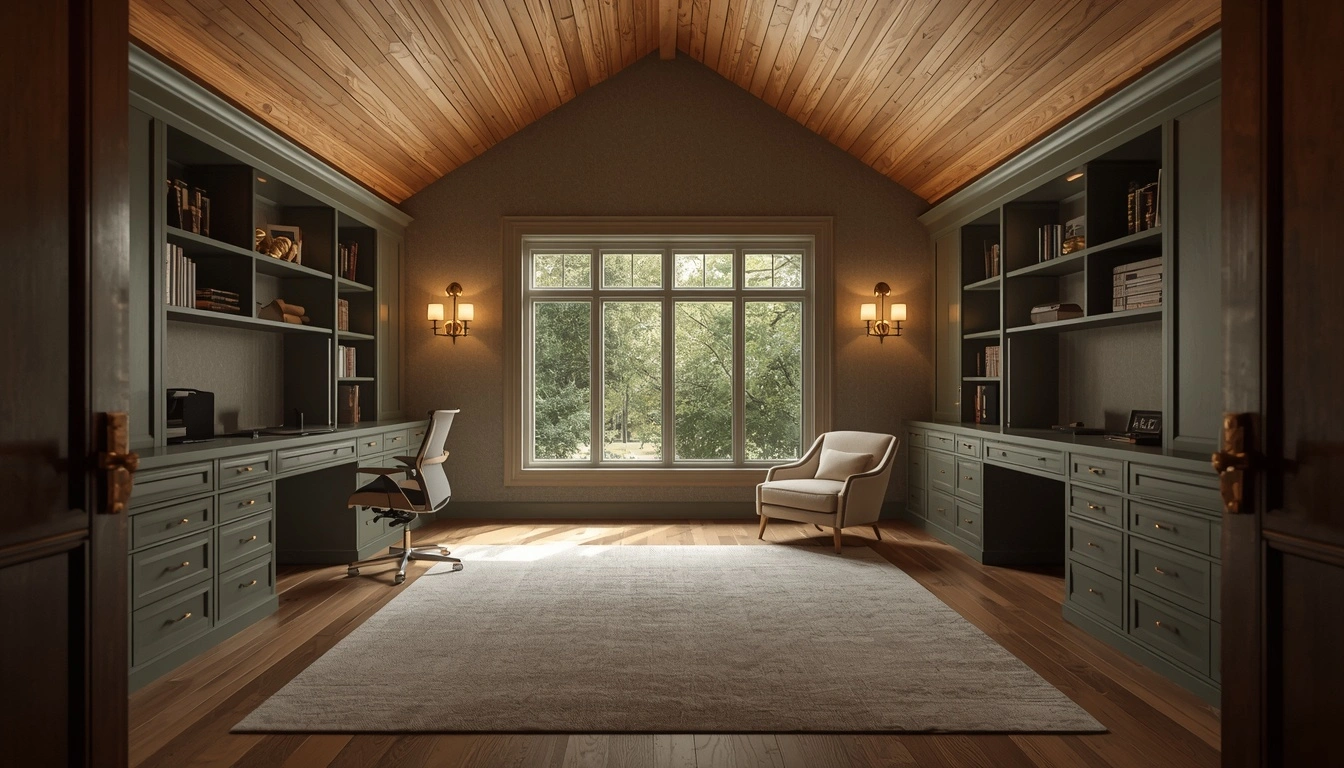
Transform any spare room or corner into a productive, professional home office. This guide covers ergonomic furniture, lighting, tech essentials, and design tips to help you work smarter and look polished on every video call.
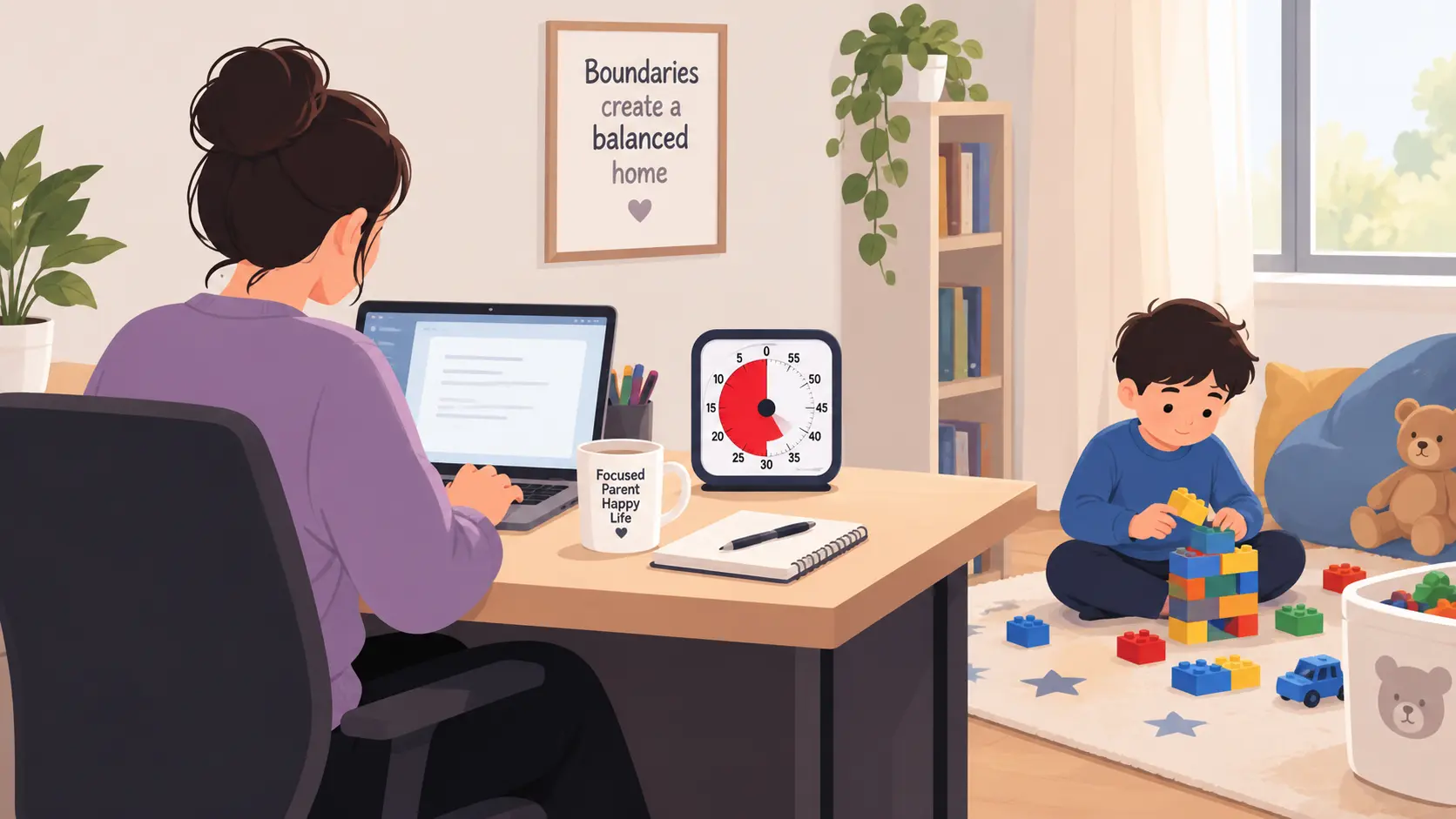
Working from home with kids isn’t a productivity problem — it’s a coverage problem. This guide breaks down age-specific strategies (infants through teens), a visual boundary system kids actually respect, a partner split schedule for two-WFH households, and the honest truth about what’s possible without childcare — plus a weekly planning ritual to keep it all from collapsing by Wednesday.
Remote work productivity advice is abundant and often contradictory. One guide tells you to wake up at 5am; another says to follow your natural energy. One recommends ruthless to-do lists; another says to abandon lists entirely for time blocking. One promotes a 27-step morning routine; another says routines are overrated.
This guide gives you 25 research-backed tips organized into six categories — planning, environment, focus, communication, health, and tools. Read all 25. Identify the two or three that address your specific biggest gaps. Implement those first. Add more as each becomes habitual. Part of this is knowing where your time actually goes right now — our daily task productivity calculator is a quick way to see that before you start.
At the end of each working day, review what you accomplished and spend a few minutes writing tomorrow's task list. This eliminates the most common productivity-destroying morning activity: spending the first 30–45 minutes of peak cognitive energy figuring out what to do.
Research suggests that task-setting increases productivity by up to 25%. More than three priorities is not a plan — it is a wish list. Three forces the daily decision: of everything I could do today, what would make this day clearly successful?
"Finish the report" is not an action — it is a project. "Write the executive summary section" is an action. Procrastination almost always attaches to projects, not to specific actions.
If you need to "cram" every week, the system is broken — fix the system, not your willpower. A 20-minute review covers: what got completed, what got deferred repeatedly, and next week's three most important outcomes.
If something takes less than two minutes, do it immediately rather than adding it to a task list. The overhead of capturing and re-deciding exceeds the cost of just doing it.
Even without a separate office, carve out a specific spot used only for work. The benefit is psychological — a location used consistently for work becomes a reliable focus trigger over weeks of use. If you're also weighing what to put in that spot, see our breakdown of standing desks vs. sitting desks for which fits your setup.
A laptop screen at desk level requires constant forward head tilt — roughly 27–40 lbs of additional cervical spine load per hour, accumulating into neck tightness and headaches over months. For the full setup — chair height, monitor distance, and eye strain — see our guide to the ergonomic home office.
A genuine remote work advantage: you can configure lighting precisely for different times of day and tasks. Cool light (4000–5000K) in the morning for alert focus; warmer light (3000K) in the afternoon.
Every notification that reaches your awareness consumes cognitive attention regardless of whether you act on it. Managing them through willpower is far less effective than eliminating them at the system level.
Over-ear headphones manage your sonic environment and visibly signal to household members that you're in a focus period — reducing interruptions without verbal negotiation.
Opening email first makes the day's direction reactive — set by whoever messaged you most recently rather than by your own priorities.
25 minutes of focused work, 5-minute break, repeat. The time constraint dramatically lowers the activation barrier for difficult tasks — most procrastination dissolves once work has begun for 5–10 minutes.
Energy-based scheduling inverts the usual approach: schedule your most cognitively demanding work during your peak energy window first, then fill remaining time with meetings and shallow work.
Every open tab is a low-level attention claim competing with your current task. The cognitive relief of a single-tab browser during deep work is immediately noticeable.
Without a capture system, unrelated thoughts either interrupt the current task or drain working memory. Writing a thought down in three seconds removes the brain's need to hold it.
Continuous monitoring of Slack or email is the single largest focus destroyer for most remote workers. The alternative is defined responsiveness, not unresponsiveness.
Every round of back-and-forth is a focus interruption for both parties. A message with full context often eliminates three or four follow-up exchanges.
Meetings are the structured version of the interruption problem — synchronous commitments that fragment deep work across the week.
Most remote workers leave their status on default "available" permanently. An active status reduces the implicit pressure to respond immediately during focus blocks.
Post-lunch energy dips are physiological — blood redirects to digestion and core temperature rises, both suppressing alertness. A short walk counteracts both effects.
After 90 minutes of sitting, circulation decreases and alertness drops — regardless of whether you notice it consciously. Mayo Clinic research links extended sitting to broader health risks, including effects on blood pressure and cardiovascular health, independent of regular exercise.
A remote worker who sleeps 7–8 hours consistently will outperform an equally skilled worker sleeping 5–6 hours — on every productivity metric, every day.
Working through lunch produces reduced afternoon energy and reduced cognitive recovery. A genuine 30–45 minute break produces measurably better afternoon focus.
The most common task management failure is not using the wrong tool — it is using too many. Tasks spread across a notebook, inbox, Slack, and a project tool create overhead every time you need to know what's next.
AI tools boost productivity by 29% for remote workers who use them effectively — the key phrase being "effectively." Applied indiscriminately, they produce noise instead.
Most remote workers accumulate productivity advice without ever assessing which habits they already have versus which gaps remain unaddressed. This assessment produces a personal improvement priority list.
| Rating | Meaning | Action |
|---|---|---|
| Doing consistently | Automatic and working | Keep |
| Doing sometimes | Inconsistent — partial benefit | Reinforce |
| Not doing | Potential productivity cost | Prioritize |
One new habit fully implemented beats five half-implemented habits every time. Run this once per quarter as your setup, role, and routines evolve — the daily task productivity calculator is a fast way to check your numbers between quarters.
If you are new to deliberate remote work productivity systems, implement in this order:
Remote work productivity is not about working more hours — it is about working smarter within the hours you have.
The 25 tips in this guide are not meant to be implemented simultaneously. They are a toolkit — available when you identify a specific gap in your current system. The productivity stack assessment above is how you identify which gaps matter most for your situation right now.
Start with one tip this week. Make it automatic before adding the next. The stack builds itself, one reliable habit at a time.
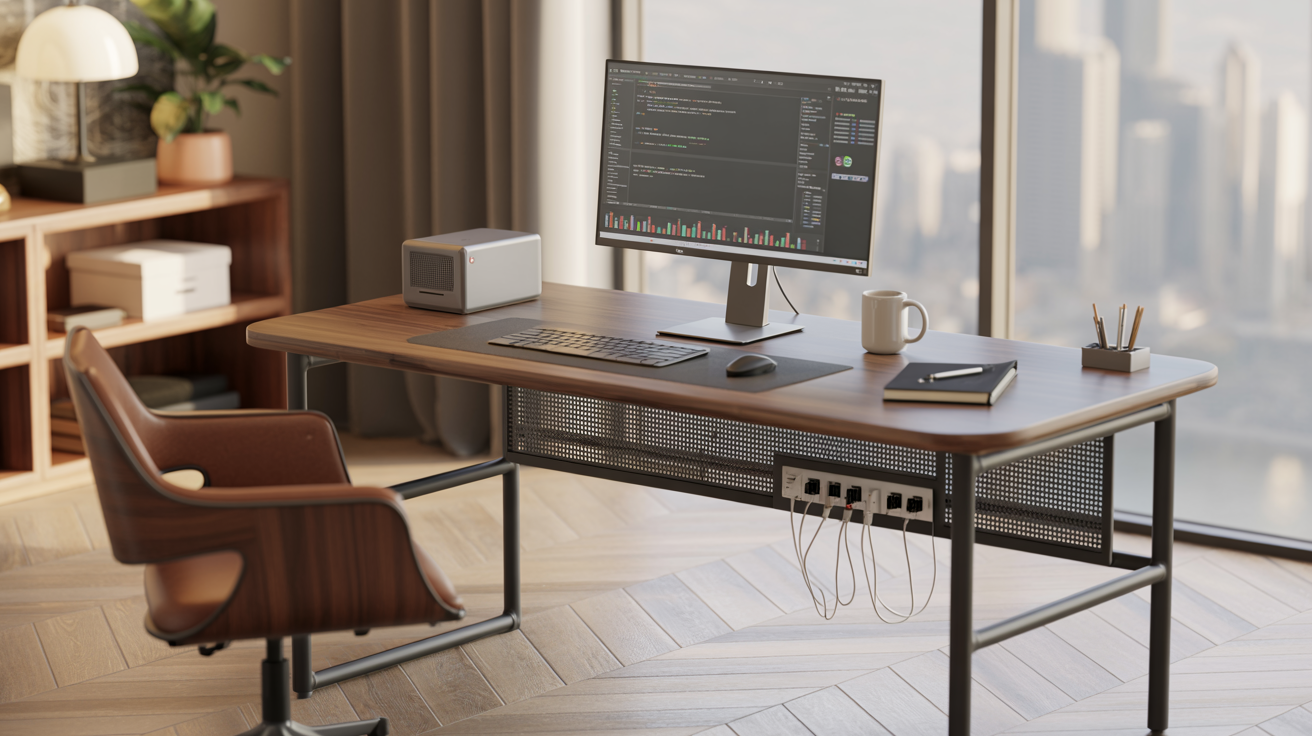
Desks organized by real budget — $100–200, $200–500, and $500+ — plus recommendations by job type, from writers to multi-monitor developers.
There's really no single best desk for home office work — there's a best desk for your job, your space, and your budget. A cramped writer's desk falls apart for a developer running three monitors, and a $900 executive L-shape is total overkill for someone who just needs somewhere stable to put a laptop.
This guide breaks desks down by real budget tiers, desk type, and what actually fits different jobs — so you end up with the right match, not just whatever's rated highest overall. Not sure what you can realistically spend across your whole setup? Run your numbers through our home office budget calculator first.
Before getting into budget, it helps to know the core desk types you'll run into at every price point.
Here's how the three most common desk categories stack up on what actually matters for a home office. If you're still weighing whether the standing feature is worth paying for at all, our dedicated standing desk vs. sitting desk comparison breaks down the health and cost trade-offs in more depth.
| Factor | Fixed Sitting Desk | Electric Standing Desk | L-Shaped Desk |
|---|---|---|---|
| Starting price | $80–$150 | $200–$350 | $180–$400 |
| Surface area | Small–Medium | Medium | Large |
| Health benefit | None | Reduces prolonged sitting | Depends on base type |
| Space needed | Minimal | Moderate | Requires a corner |
| Multi-monitor friendly | Limited | Moderate | Excellent |
| Assembly difficulty | Easy | Moderate | Moderate–Hard |
| Best for small apartments | Yes | Depends on footprint | Usually no |
Dimensions matter more here than most people expect going in — an oversized desk crammed into a small room causes daily friction that outlasts the excitement of a new purchase pretty quickly.
Here's what changes as you move up in price — and where the real jump in build quality happens.
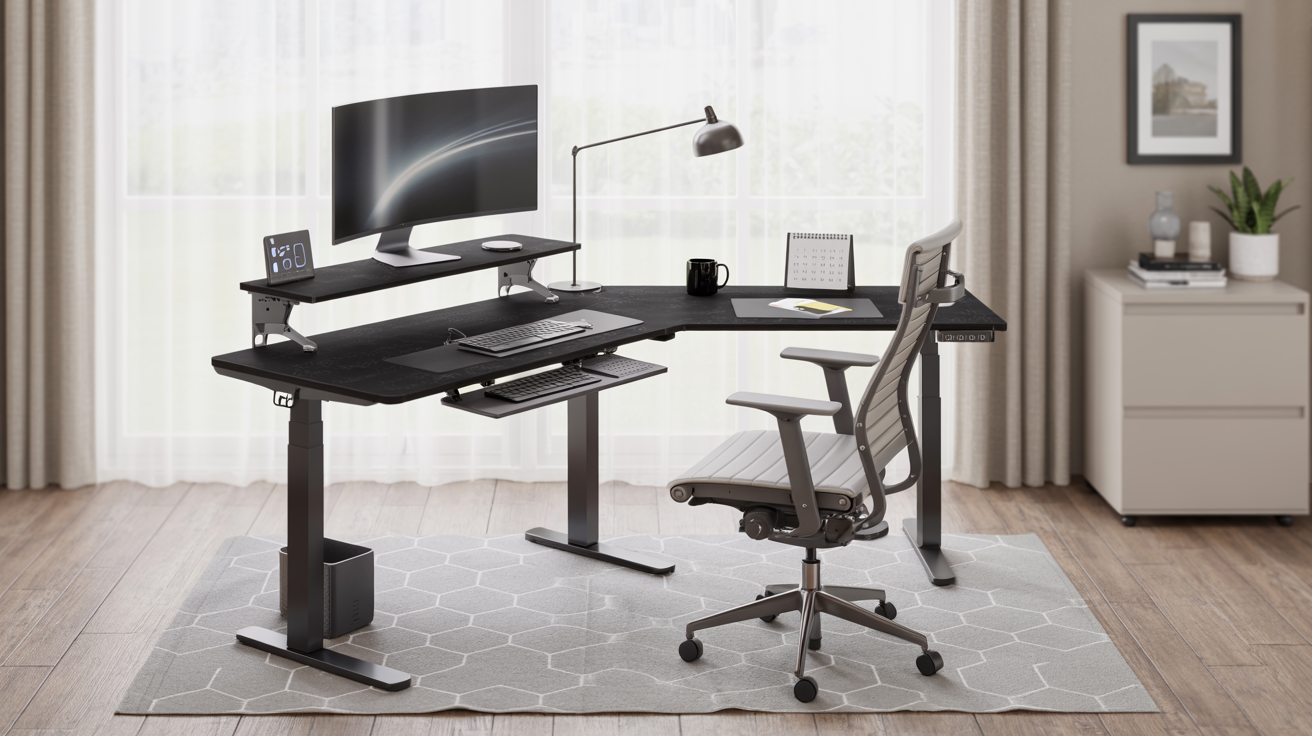
At this price point, you're mostly looking at a solid fixed desk with basic cable management, or an entry-level electric standing desk running a single motor. Weight capacity usually handles a laptop and one monitor fine, but a bit of wobble at full standing height is a common trade-off on the single-motor models. This tier does the job for laptop-only or single-monitor setups that aren't getting repositioned constantly.
This is really where things start feeling stable — dual-motor desks, memory height presets, and standing movement that doesn't wobble at all become the norm. Well-known models like the FlexiSpot E7 and VIVO L-shaped electric desks live in this range and hold up well in day-to-day testing. Most remote workers end up here, honestly — it's the sweet spot where quality-to-cost stops improving much even if you spend more.
Premium desks bring faster height adjustment, higher weight capacity (250+ lbs), quieter motors (under 40dB), and better warranty coverage. Models like the Uplift V2 and Vari L-Shape come up often as top performers in this tier. Worth spending on if you're running a heavy multi-monitor setup, sharing the desk across a household, or just want the desk to be a genuine long-term purchase rather than a starter piece.
What counts as the "best" desk shifts a lot depending on what you're actually doing at it all day. Here's a rough guide to matching desk type with role.
Standing desks and L-shapes get most of the attention online, but the right desk really just comes down to fitting your space and matching how you actually work. A $150 fixed desk that fits your room perfectly beats a $500 L-shape crammed somewhere it doesn't belong, every time.
Measure your space, figure out how much surface area your job genuinely needs, and pick the budget tier that matches that — not the tier that looks most impressive in a product listing.
For everything else your home office needs beyond the desk itself, see our complete home office setup checklist.
The best home office desk isn't the one you notice — it's the one that fits your space, supports your job's real demands, and stays out of the way of getting work done.
Start with your budget tier, check the size guide against your actual space, and pick based on job type — not trend.
No spare room? No problem. Real, renter-safe workspace ideas organized by apartment type — with a two-question test that predicts whether any idea will actually stick long-term.
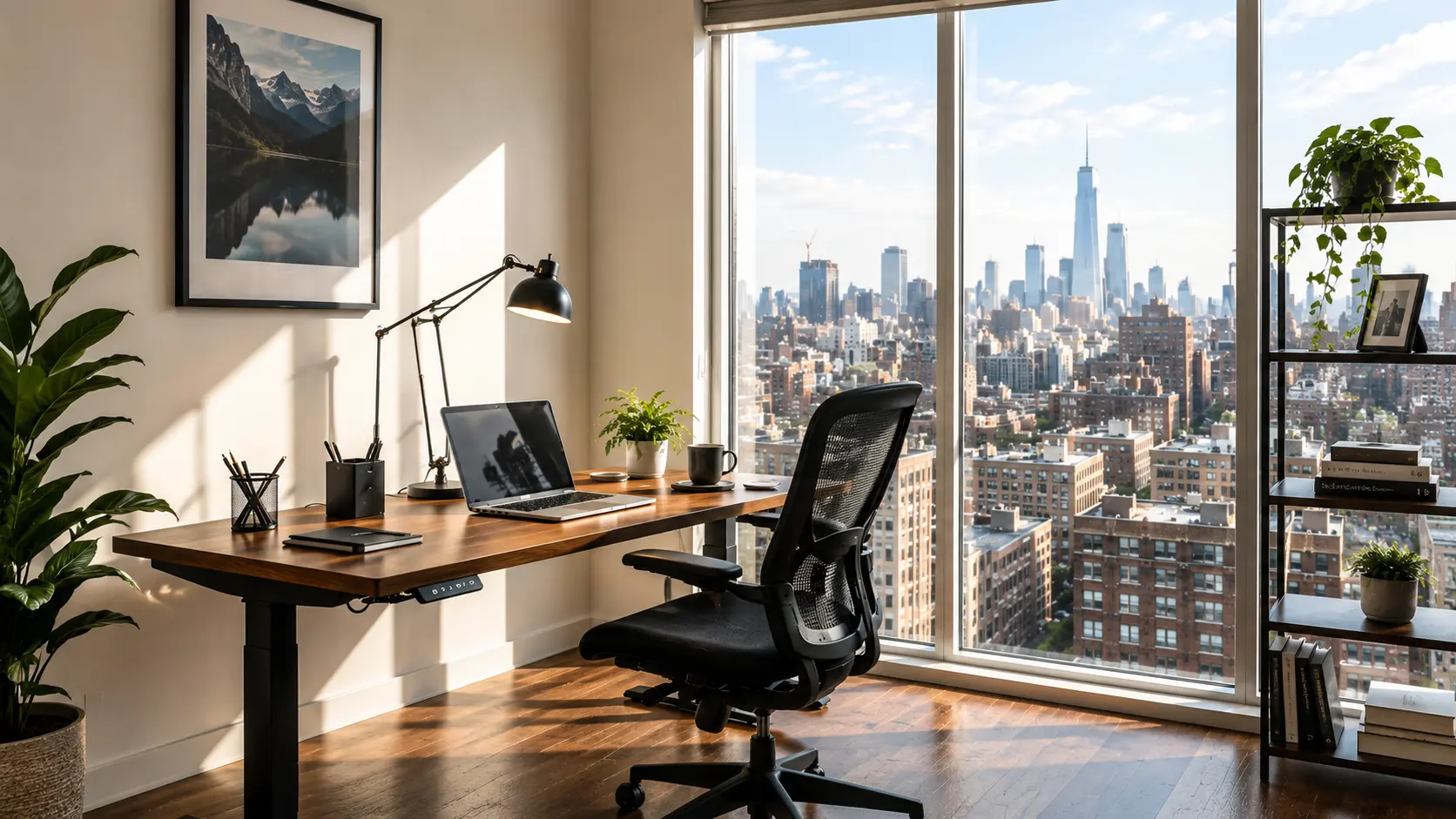
You've probably already searched "home office ideas" and found rooms with a spare bedroom, a big window, and a wall for shelving. That's not your apartment — and it doesn't mean a real workspace is out of reach.
Here's what's actually happening: roughly 35% of U.S. households now rent, and single-person households are at record highs. At the same time, remote and hybrid work have become permanent for a large share of the workforce. Put those two trends together, and you get millions of people solving exactly the problem you're facing right now.
Small apartment home office ideas are space-efficient workspace solutions designed for homes without a dedicated office room — using furniture, zoning, and storage tricks instead of extra square footage.
The goal isn't to shrink a normal office setup to fit. It's to redesign the concept of "office" entirely around flexibility, reversibility, and dual-purpose furniture. A "zone" is any consistent, repeatable spot — a corner, a closet, a cart — that functions as an office when needed and disappears when it doesn't.
Small apartment home office ideas matter more in 2026 because record numbers of single-person renters, combined with sustained remote and hybrid work adoption, mean more people than ever are working full-time from apartments never designed to include an office.
This isn't a temporary inconvenience to work around. With remote work now embedded in the labor market and small-format rentals continuing to dominate new housing supply in many cities, designing well for small spaces is a long-term skill worth developing properly.
The best studio apartment home office ideas use a defined zone — like a corner desk, a room divider, or a fold-down wall desk — positioned away from the bed to preserve a visual and psychological boundary between work and rest.
In a one-bedroom apartment with no office, the desk works best in the living room against an underused wall, in a large closet converted into a mini-office, or in a bedroom corner positioned to face away from the bed — never centered in a shared space.
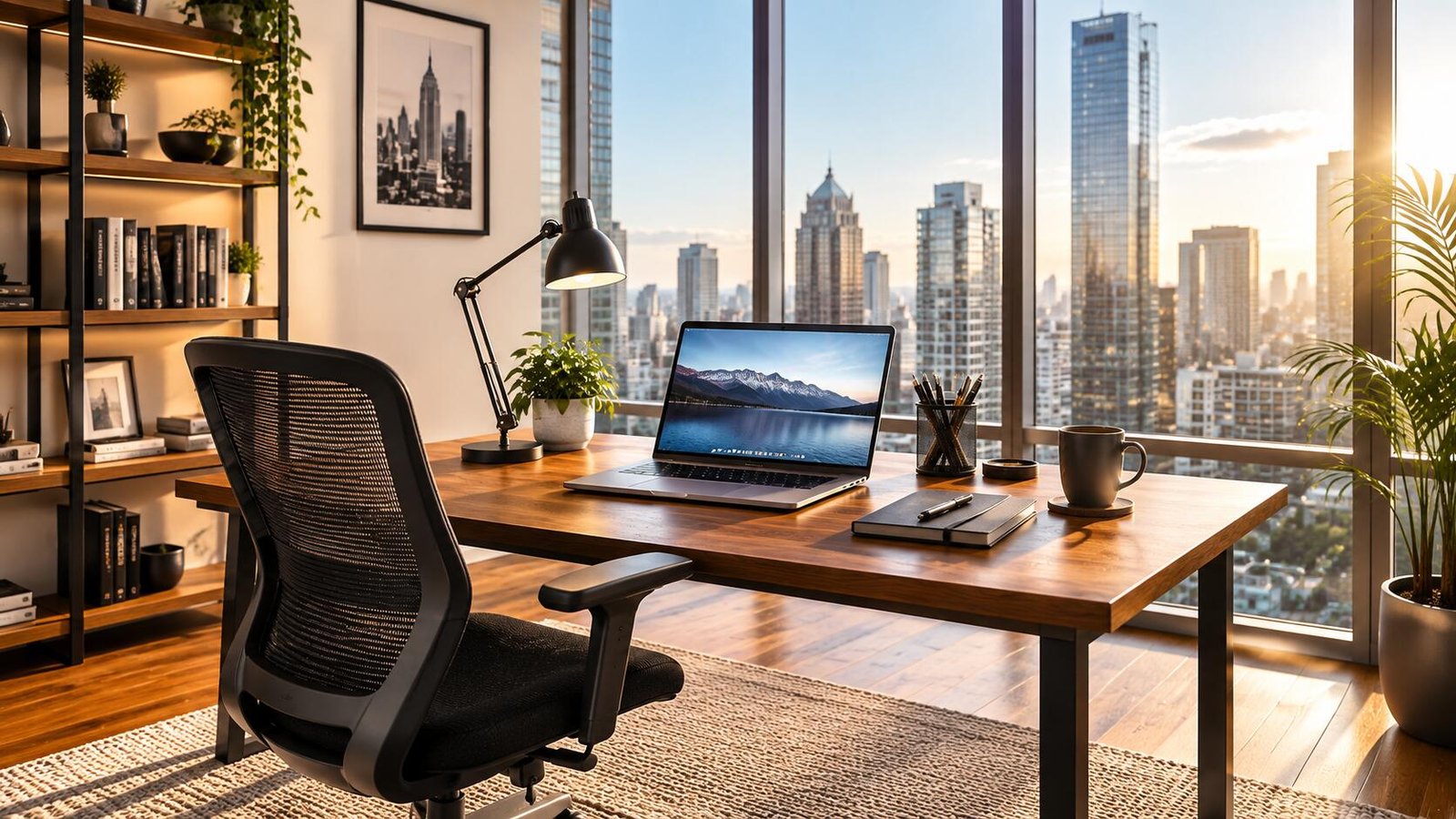
Separate work and rest in a small apartment by creating a visual boundary — a curtain, folding screen, or closed cart — that you physically open at the start of the workday and close at the end, signaling a clear "off" switch even without a separate room.
The best furniture for a small apartment home office is dual-purpose and vertical: a narrow desk (24–30 inches deep), a wall-mounted shelf instead of a bookcase, a folding or nesting chair, and a rolling cart for full mobility and storage.
For a full breakdown of what to buy first at every budget level, see our home office setup checklist.
Hide a home office by using a closet with doors, a fold-down wall desk that closes flush, a rolling cart that tucks under a bed or into a closet, or a decorative screen that fully conceals the desk area from the rest of the room.
The "office in a box" approach — a rolling cart holding your laptop, cables, and supplies — is one of the fastest ways to fully clear a shared space in under two minutes, which matters most in studios where the desk sits within view of the bed.
Most small-space content stops at furniture recommendations. Before buying anything, run what we call the Zone Test — a two-question check that predicts whether a small-apartment office idea will actually work long-term in your specific space.
For tiny home office layouts, designers and organizers commonly recommend vertical storage over floor storage, multi-purpose furniture, and a consistent "closing ritual" — physically putting the workspace away at the end of the day to protect mental boundaries.
Your setup is working when you can start and stop your workday cleanly, without your bed or dinner table constantly reminding you of unfinished tasks.
More specifically — run this check at the end of any work week:
If the first answer is yes and the last two are no — your setup is working. Anything else points to a specific gap to address next.
You don't need a spare room to have a real home office — you need one zone that opens when you sit down to work and closes when you're done.
Start with the Zone Test, pick the idea that fits your specific layout, and build from there. The furniture and organization can follow once you've confirmed the zone actually works for your routine.
Staying focused at home isn't about willpower. It's about building a system — the right space, the right schedule, and the right boundaries — that protects your attention automatically.
You've got the laptop open, coffee made, and a to-do list ready to go. Then a notification pings, a family member walks in, or you catch yourself checking your phone — and thirty minutes vanish.
If this sounds familiar, you're not alone. Recent research shows the average worker faces around 15 interruptions per hour, and it takes over 23 minutes to fully regain deep focus after just one disruption.
Focused work from home is the ability to sustain attention on a single task, in your home environment, without being pulled away by digital, physical, or environmental distractions. It is a skill built through habits and space design — not a personality trait.
Remote focus depends on three things working together. Weakness in any one of these areas is usually why focus breaks down — even when the other two are solid.
Remote and hybrid work are now permanent fixtures of the modern workplace. According to Gallup, among remote-capable employees, 52% now work hybrid and 27% work fully remote — meaning distraction management has become a core professional skill, not a personal quirk.
A distraction-free workspace is a designated area used only for work, positioned away from household traffic, with minimal visual clutter and clear physical boundaries. This separation trains your brain to associate that space with focused work.
The best remote work schedule blocks your day into focused work sessions separated by short breaks, protects your highest-energy hours for your hardest tasks, and sets a firm start and end time to prevent workday creep.
Time-blocking assigns a specific task to a specific window of time, which prevents the constant task-switching that quietly drains focus throughout the day. Without it, "flexible" schedules often turn into fragmented, reactive ones.
Studies show workers now spend nearly 200 hours a year simply switching between apps and tasks. Time-blocking reduces this by forcing single-tasking within each block, rather than letting notifications dictate priorities minute to minute.
Digital interruptions — not physical ones — are now the leading cause of lost focus for most remote workers. Internet browsing and social media are cited by roughly 45–47% of workers as their biggest focus-killer, a pattern that holds for both office and remote employees.
The most effective focus tools fall into three categories: time management, distraction blocking, and environment control. Together, they remove the need for constant willpower.
| Category | Example Tools | What It Solves |
|---|---|---|
| Time Management | Pomodoro timers, Google Calendar blocking | Task-switching, workday creep |
| Distraction Blocking | Freedom, Cold Turkey, Focus mode | Notifications, social media |
| Environment Control | Noise-cancelling headphones, white noise apps | Household and ambient noise |
| Task Tracking | Notion, Todoist, Trello | Mental clutter, forgotten tasks |
You handle household distractions by setting clear boundaries with family or roommates, using visual "do not disturb" signals, and scheduling focus blocks around predictable household activity — like nap times or school hours.
Most "do not disturb" setups rely on a single signal — a closed door, or a status message, or headphones. A single signal is easy for others to miss, ignore, or forget. The 3-Signal system layers all three together so that interruptions stop before they happen.
Focus systems are built one step at a time. Here is the correct order to build yours:
Staying focused working from home isn't about forcing more discipline — it's about designing a workspace, schedule, and set of boundaries that make distraction the exception instead of the norm.
Start small: fix your workspace, block one focused session tomorrow, and turn off the notifications you don't need. The system does the rest — and it compounds every week you use it.