Best Lighting for Home Office:
Natural vs Artificial Light (2026)
Lighting is the most underestimated variable in home office setup — and one of the cheapest to fix. Here is the practical difference between natural and artificial light, how to combine them, and the placement and color temperature choices that reduce eye strain.
- Nearly 3 out of 4 employees struggle with digital eye strain, with 59% reporting it affects their productivity — and lighting is one of the most correctable contributing factors.
- Natural light is the best primary light source for a home office — workers who get enough natural light during the day sleep better and are more productive, while 47% of employees say the absence of natural light makes them feel tired and 43% report feeling gloomy.
- The ideal brightness range for most office tasks is 300–500 lux. Below 300 lux causes eye strain, headaches, and reduced concentration.
- Cool light (5000–6500K) enhances alertness and suits task-intensive work; warm light (2700–3000K) suits relaxation; neutral light (3500–4100K) supports general work.
- A layered lighting approach — combining ceiling fixtures, desk lamps, and supplemental lighting — can reduce eye strain by up to 32% compared to uniform overhead lighting.
- The single most important lighting placement rule: position your screen perpendicular to windows, never facing or with your back to them.
The Cheapest Upgrade Most Remote Workers Skip
Lighting is the most underestimated variable in home office setup — and one of the cheapest to fix. Most remote workers either work under a single overhead light that is too dim, too cool, or too harsh — or rely entirely on whatever natural light happens to enter the room, with no plan for cloudy days or evening hours.
Why Lighting Matters More Than Most Remote Workers Realize
Eye strain, headaches, and fatigue are among the most common complaints in poorly lit environments — exacerbated by long hours staring at screens under harsh or insufficient light. According to the American Optometric Association, this cluster of symptoms — often called computer vision syndrome or digital eye strain — is closely tied to glare and poor ambient lighting, not just screen time alone. In the long term, poor lighting can negatively impact cognitive function, causing employees to feel sluggish and less engaged with their work.
This extended screen exposure makes lighting quality more consequential for remote workers than for office-based employees — yet remote workers typically have far less intentional lighting setups than commercial offices, which are designed around lux standards and glare control from the start.
Natural Light: Benefits and Limitations
Benefits: Natural light positively impacts mood, health, and productivity. It is also one of three environmental factors — alongside fresh air and temperature — that can reduce absenteeism by up to four days a year. Exposure to natural light during the day supports circadian rhythm regulation, which affects sleep quality and next-day alertness — and getting that rhythm right is part of the broader picture of maintaining work-life balance while working from home. A window-lit desk is also the easiest spot in the house to keep the best plants for a home office alive, since most desk-friendly plants need the same indirect daylight your workspace does.
Limitations: Natural light is inconsistent — it moves through a spectrum throughout the day, and too much uncontrolled light through a window can cause screen glare and eyestrain. A desk that looks perfectly lit at 10am may have direct glare at 2pm as the sun moves.
Artificial Light: Color Temperature Explained
Color temperature, measured in Kelvin (K), determines whether light feels warm (yellow-orange) or cool (blue-white). Here is the full scale and what each range is best for:
The Layered Lighting Approach: Combining Both
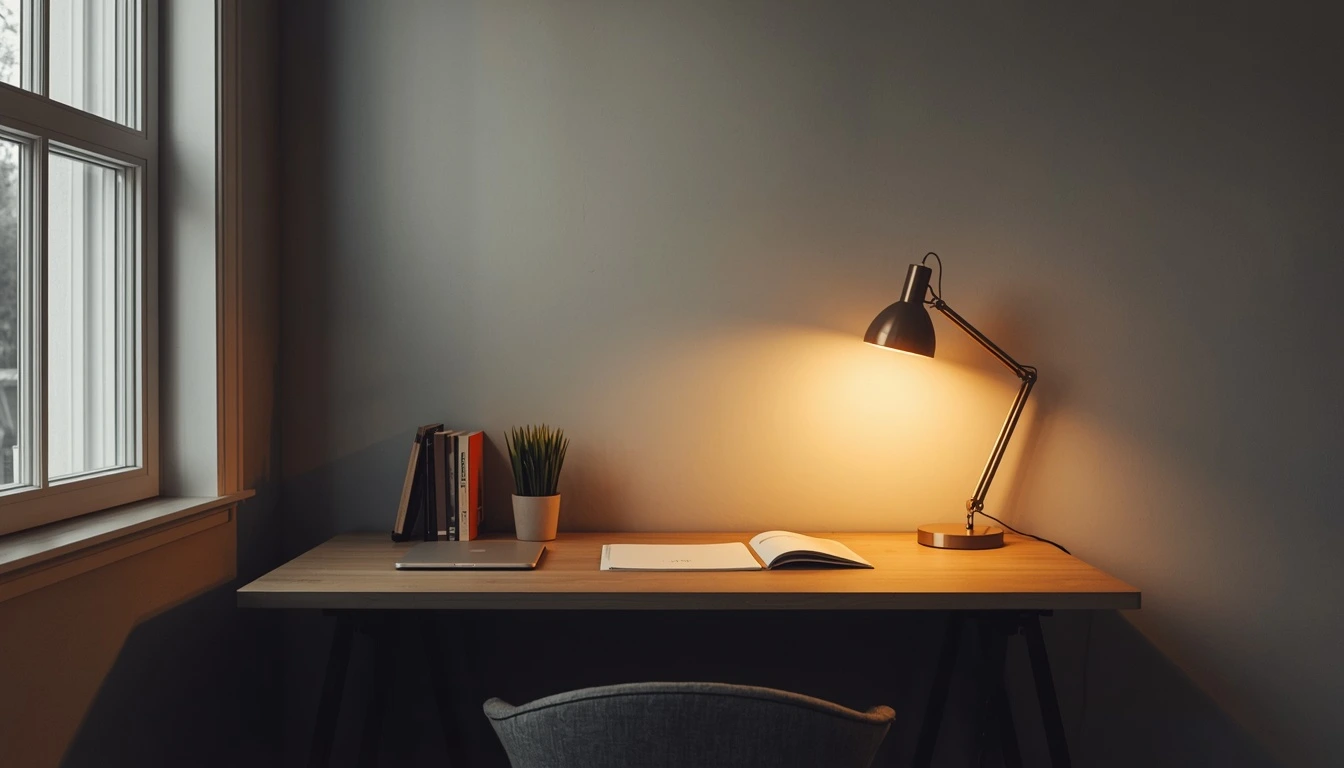
Effective lighting requires a layered approach: a foundation layer of uniform, glare-free ambient illumination; a task layer of adjustable desk lamps that let you control brightness for detailed work; and a call layer that handles video conferencing separately. This layered approach can reduce eye strain by up to 32% compared to relying on uniform overhead lighting alone.
Lighting for Video Calls vs Lighting for Focus Work
These are different lighting problems with different solutions — most home offices need both, and trying to solve both with one light source is the most common lighting mistake.
Solution: A desk lamp aimed at your keyboard and desk surface — not your screen.
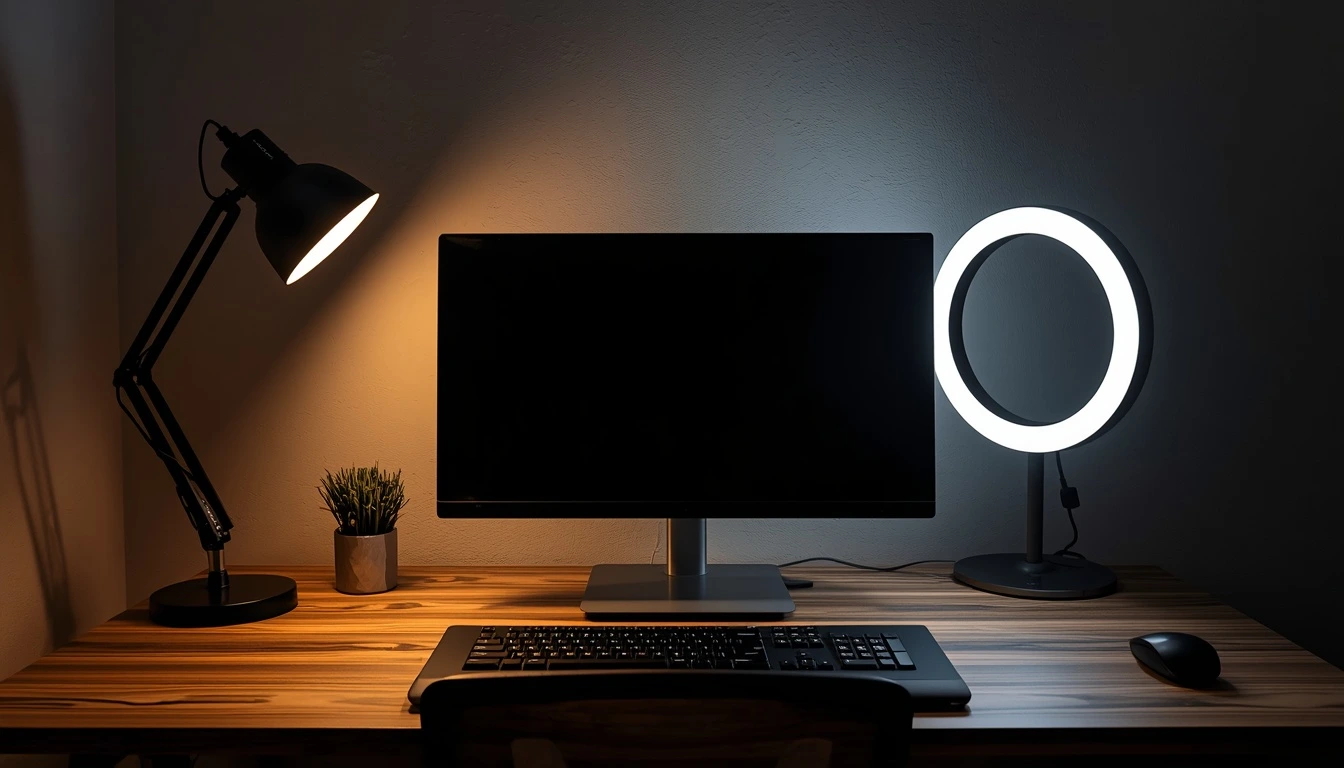
Solution: A ring light positioned behind your monitor, at roughly eye level, pointed at your face.
Desk Placement Relative to Windows
Position your monitor so it is not directly in front of a window or directly below fluorescent overhead lighting — both create glare. Place your monitor perpendicular to windows rather than facing them, and use curtains or blinds to control natural light throughout the day.
Southern-facing windows typically provide the brightest, all-day natural light, while western-facing windows require shading due to the heat and glare from direct late-afternoon sun.
Recommended Lighting Setup by Budget
Lighting is one of the few home office upgrades where the free option delivers genuinely meaningful improvement — and every paid tier above it builds directly on the one before. Not sure how much room is left in your overall setup budget? Run the numbers with our home office budget calculator before you start buying.
Common Lighting Mistakes
- Relying entirely on overhead lighting. Suboptimal lighting is a silent productivity killer — uniform overhead lighting alone forces the eyes to work harder, with no task layer or call layer to reduce contrast or fill shadows.
- Using cool white light in the evening. Cool light (5000K+) in the evening suppresses melatonin production, potentially affecting sleep quality and next-day energy. If your evening work sessions extend past sunset, shift to warmer light (3000K) for those hours.
- Positioning the desk facing a window without considering sun movement. A desk that looks perfectly positioned at 9am may have direct glare at 2pm depending on window orientation. Check your setup at multiple times of day before finalizing desk placement.
- Using only one light source for both focus work and video calls. A desk lamp positioned for reading does not illuminate your face correctly for calls — and a ring light positioned for calls does not provide adequate task lighting for reading documents. Both layers are needed, and they serve different purposes.
Frequently Asked Questions
The Highest-Impact, Lowest-Cost Upgrade
Lighting is one of the highest-impact, lowest-cost upgrades available to remote workers — and one of the most commonly ignored.
Start by repositioning your desk perpendicular to the nearest window. Add a 4000–5000K desk lamp for task lighting. Add a ring light behind your monitor for video calls. Together, these changes — most under $60 total — directly address the eye strain that affects the majority of remote workers' daily productivity.
Add a Comment