Home and Work: The Complete Guide to
Choosing Where You Work Best
Home or office? Compare home and work setups, see honest pros and cons, and use a simple 5-question checklist and scorecard to pick the best fit.
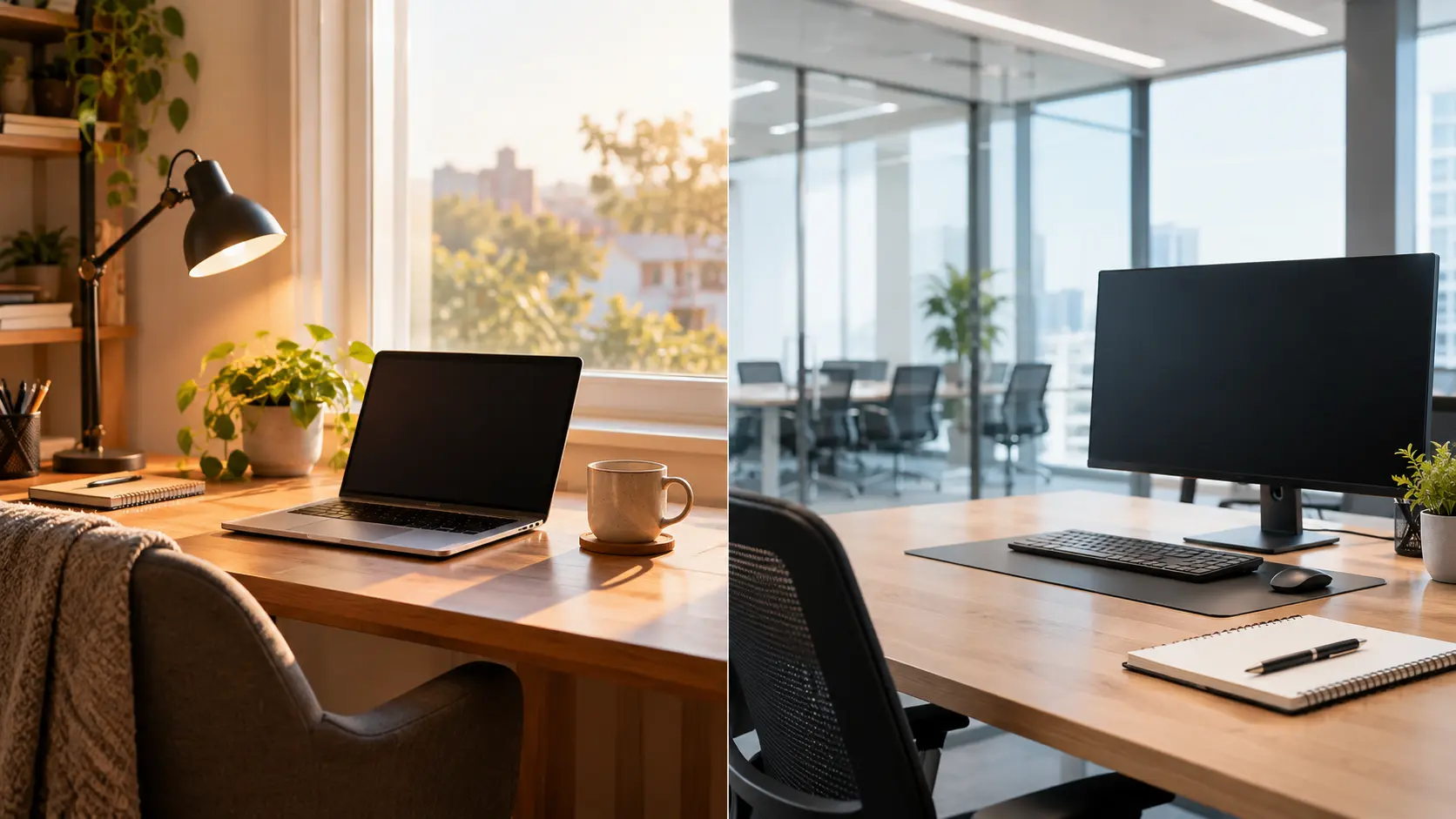
- Home and work describes how you split your working time between your house and an outside workplace.
- Gallup's May 2026 data shows 52% of remote-capable US employees work hybrid, 26% fully remote, and 22% on-site.
- Working at home saves commute time and money. Working at an office gives clearer boundaries and easier teamwork.
- Hybrid work suits many people because it mixes both. Gallup found 61% of remote-capable employees prefer it.
- Your job type, home space, personality, family situation, and budget should decide your choice.
- A basic home office needs only four things: a desk, a supportive chair, stable internet, and good lighting.
- No option is best for everyone. The right setup is the one you can sustain.
Introduction
You probably already know that work no longer means one place. But many beginners and freelancers still pick a setup by accident, not by choice. That gap costs focus, money, and energy.
Here is a number that shows how split things are. Gallup's May 2026 update found that among remote-capable employees, 52% work hybrid, 26% work exclusively remote, and 22% work on-site.
What Is Home and Work?
Home and work is the way you divide your working hours between your house and a workplace outside it. It covers three common models:
You work from home or another location all the time.
You work at an employer's office or a client's space.
You split your week between both.
For freelancers, the choice is wider. You might use your bedroom, a coworking desk, or a cafe. In our experience at Remote Work Setup, beginners often assume they must pick one forever. You can change your setup as your life changes.
Why Does Home and Work Matter in 2026?
Your working location affects your costs, focus, health, and career growth. Choosing it on purpose helps you avoid wasted money, constant distraction, and isolation. In 2026, more people have a real choice than ever before, so a good decision matters.
What Has Changed in Home and Work Since the Office-Only Era?
Work moved from a single location to flexible models: fully remote, hybrid, and freelance. Technology made many jobs location-independent. Today your job type often decides your choices more than your preferences do.
- Writing, editing, and content creation
- Software development and design
- Customer support and virtual assistance
- Data entry, bookkeeping, and online tutoring
- Healthcare, retail, and hospitality
- Manufacturing, construction, and repair work
- Most hands-on teaching and lab work
If your job is in the first group, you have a real decision to make. Let's look at each option, starting with home.
What Does Working at Home Look Like?
Working at home means doing your job from your house, usually with your own equipment and a self-managed schedule. You control your space and routine, but you also carry the responsibility to stay focused.
- A freelance writer drafting articles at a desk in a spare room
- A virtual assistant handling emails for a client in another country
- A beginner doing part-time data entry in the evening
If you share your home with family, boundaries matter even more — our blog covers working from home with kids in detail.
What Does Working at Work Look Like?
Working at work means doing your job from an employer's office, a client's site, or a shared workspace outside your home. Your environment, equipment, and colleagues are provided, and the day has a clear start and finish.
- An office employee using company computers and meeting rooms
- A freelancer renting a coworking desk three days a week
- A junior employee learning quickly by sitting near senior teammates
This option works best when you need fast feedback, strong equipment, or a firm separation from home life.
Working at Home vs Working at Work: How Do They Compare?
Working at home usually costs less and saves commute time, while working at an office usually offers stronger teamwork and clearer boundaries. Neither wins every category. The better choice depends on which factors matter most to you.
| Factor | At Home | At Work |
|---|---|---|
| Cost | Lower travel and food costs, but higher home utility bills | Commute and daily meal costs add up |
| Commute | None | Often 30 to 90 minutes a day |
| Focus | Quiet, but home distractions are common | Fewer home distractions, but more interruptions |
| Flexibility | High, you set your own hours | Lower, fixed hours |
| Career growth | Needs extra effort to stay visible | Easier to be seen and mentored |
| Teamwork | Planned calls and chats | Quick, natural conversations |

What Are the Pros and Cons of Working From Home?
The main pros of working from home are no commute, lower costs, and flexible hours. The main cons are loneliness, distractions, and lower visibility for promotions. Both sides are real, so weigh them against your own situation.
- No commute. You get back time every day.
- Lower costs. You spend less on transport, lunches, and work clothes.
- Flexible schedule. You can work when you focus best.
- Loneliness. Gallup reports 27% of fully remote workers felt lonely the previous day, compared with 20% of on-site workers.
- Distractions. Housework, family, and phones compete for attention.
- Lower visibility. Managers may notice office workers more easily.
Working from home can also blur the edge between work and rest. If that worries you, browse our guides on avoiding burnout when working from home in the Remote Work Setup blog.
What Are the Benefits of Working at an Office?
The main benefits of working at an office are easier teamwork, clear work-life boundaries, networking, and reliable equipment and internet. It also gives you a daily routine, which many beginners find helpful when building habits.
- Teamwork: You ask questions and get answers in seconds.
- Boundaries: When you leave, work stays behind.
- Networking: You meet people who can open doors later.
- Equipment: Fast internet and good furniture are already there.
The trade-off is time and money spent commuting, and less control over your schedule.
Is Hybrid Work the Best Mix of Home and Work?
Hybrid work splits your week between home and an office, and it suits many people because it combines focus time with team time. It is not best for everyone, but it is the most common choice among remote-capable workers.
- 2 office days for meetings and 3 home days for deep work
- 1 coworking day each week for freelancers who miss people
- Office days only during busy project weeks
- You want focus time but still need team contact
- Your home space is small or shared
- You are early in your career and want mentoring
Gallup found that 61% of remote-capable employees prefer hybrid, when asked in November 2025.
In simple terms, a hybrid week works best when your team agrees on which days to meet in person.
How Do You Choose Between Home and Work?
To choose between home and work, ask yourself five questions about your job type, home space, personality, family situation, and budget. Your honest answers point to the best setup for now.
- Job type: Can your tasks be done from anywhere, or do they need a site?
- Home space: Do you have a quiet corner you can use only for work?
- Personality: Do you feel energized by people or by quiet?
- Family situation: Will others be home during your work hours?
- Budget: Can you afford a desk, chair, and strong internet, or a coworking pass?

What Do You Need for a Basic Home Office Work Setup?
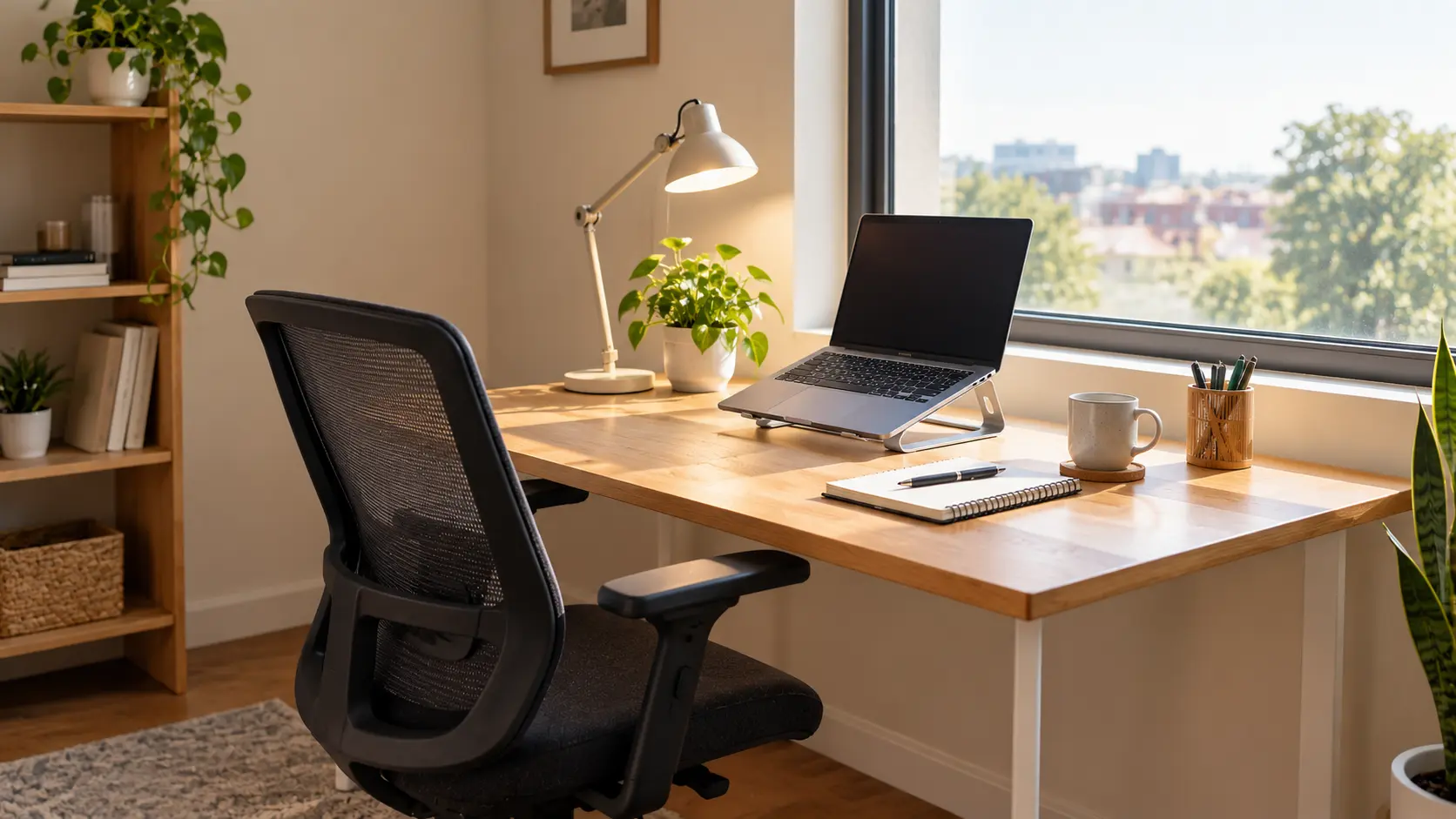
A basic home office work setup needs a desk, a supportive chair, stable internet, and good lighting. Start with these four. Add accessories later once you know how you work.
- Desk: Choose a steady surface at a comfortable height.
- Chair: Pick one that supports your lower back.
- Internet: Reliable speed matters more than fancy equipment.
- Lighting: Place light in front of or beside you, not behind your screen.
For full details, see our home office setup guide and our ergonomic workspace setup guide. If calls are part of your job, our list of the best noise-cancelling headsets for remote work can help.
What Are the Best Part-Time Work From Home Options for Beginners?
Beginner-friendly part-time work from home options include data entry, customer support, content writing, virtual assistance, and online tutoring. They need little equipment and can often be learned quickly.
- Data entry: Simple tasks, good for starting out
- Customer support: Answer chats and emails for a company
- Content writing: Write articles and product descriptions
- Virtual assistant: Manage emails, schedules, and files
- Online tutoring: Teach a subject you already know
How Can You Stay Balanced Between Home and Work?
You stay balanced by setting a fixed stop time, keeping a separate workspace, and turning off work notifications after hours. Small habits protect your rest, whichever setup you choose.
We cover this in depth in our work-life balance guides. For daily structure, start with the best daily routine for remote workers.
Pro Tips from Experts
- Test before you commit. Try one setup for 30 days. Then review your focus, mood, and costs.
- Match tasks to places. Do deep thinking at home. Save meetings and brainstorming for office days.
- Protect your boundaries. Gallup research on burnout points to unclear communication and workload as key drivers. Say your working hours out loud.
- Fix your space early. A small chair upgrade often helps more than extra gadgets.
- Build good habits. Browse our remote work habits articles for routines that stick.
Common Mistakes to Avoid
- Choosing by trend, not by fit. What works for a friend may not work for you.
- Working from bed or the sofa. Your back and your focus will both suffer.
- Ignoring isolation. Plan regular contact with people, even if it is a coworking day. Our guide on staying motivated when working from home alone can help.
- Skipping costs. Count internet, electricity, and furniture before you decide that home is cheaper — our remote work budget calculator makes this quick.
Only on remoteworksetup.info: The Home-or-Work Scorecard
Here is a quick tool you will not find in most guides. Rate each statement from 0 (not true) to 2 (very true).
What's Next: Action Steps
Keep Building Your Setup
Frequently Asked Questions
Design Your Setup — Then Keep Improving It
Home and work is not a contest with one winner. It is a choice you can design and change. Use the comparison table, the five questions, and the scorecard to find your fit. Then test it, review it, and improve it.
Explore our complete home office setup guide and build a space that works for you.