2026 Complete Guide
Remote Work Health: How to Actually Stay Well While Working from Home
Working from home sounds healthy — no commute, no office stress, your own kitchen. But in reality, most remote workers end up sitting longer, moving less, sleeping worse, and feeling more isolated than they did in an office. The good news? A few simple habits fix most of it. Here's exactly what to do.
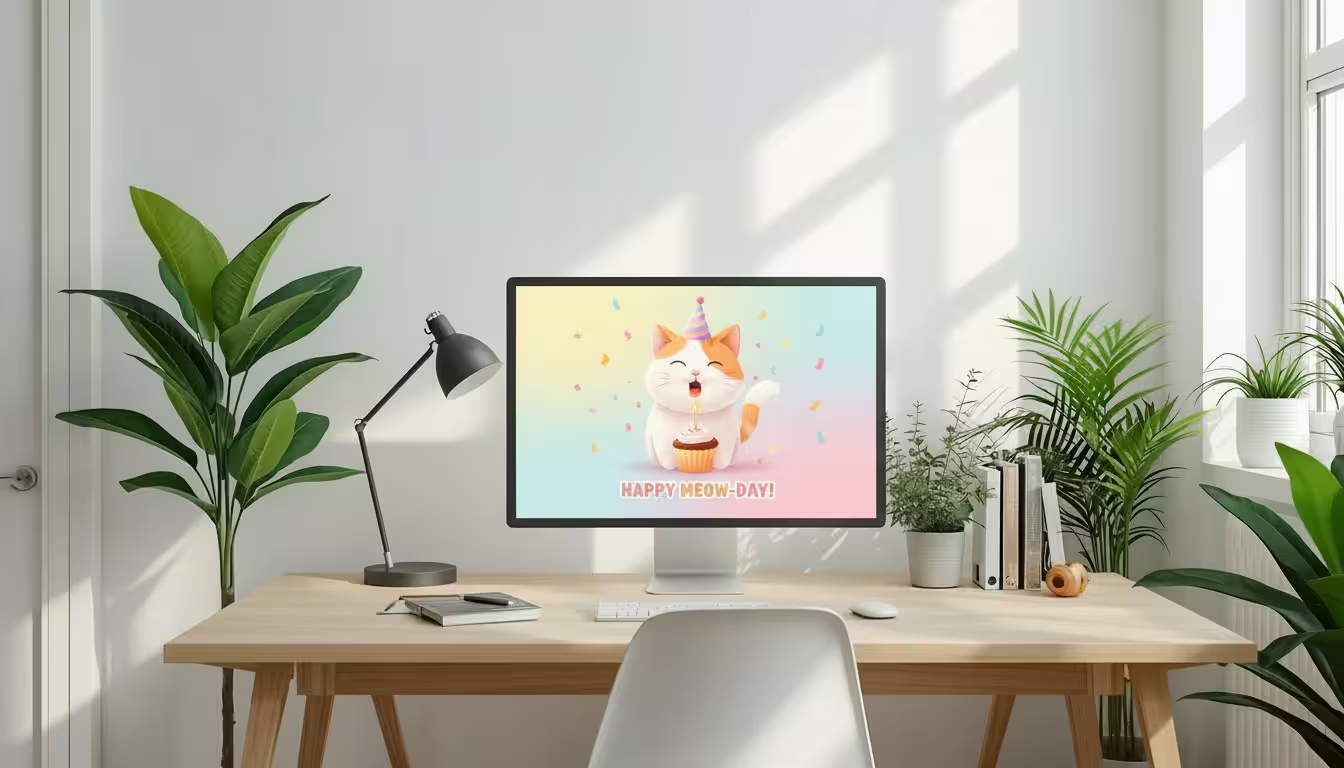
What Is a Budget FriendlyHome Work Setup?
A budget friendly remote work setup is a home office that meets all your work needs without costing a fortune. It includes the basic tools and furniture you need to work efficiently from home.
A good remote work setup does not have to be fancy. It just needs to be functional, comfortable, and distraction-free. The goal is to help you stay focused and productive every day.
Why a Good Workspace Matters Even on a Budget
Your workspace has a big impact on your performance. A well-organized home office setup helps you stay motivated, focused, and professional. Even small improvements can make a huge difference in how you work.
Here is why investing in your workspace matters:
- Better focus and fewer distractions
- Less physical pain from a proper ergonomic workspace
- More professional appearance during video calls
- Improved mood and energy throughout the day
- Higher overall work output and job satisfaction
Essential Items for a Budget Friendly Setup
You do not need dozens of gadgets to build a functional remote work setup. Here are the core items you should focus on first.
01
Laptop or Computer
You don't need the latest model. A reliable mid-range laptop with 8GB RAM handles most remote work tasks. Consider refurbished options to save money.
- Look for certified pre-owned laptops
- Consider Chromebooks for basic tasks
- Prioritize battery life over specs
02
Budget Ergonomic Chair
A bad chair causes back pain fast. You don't need to spend $500 — many chairs under $150 offer solid lumbar support.
- Adjustable height and armrests
- Good lower back support
- Budget range: $80–$150
03
Affordable Desk
Keep it simple. A clean, stable desk at the right height is all you need to start.
- IKEA LINNMON + ADILS legs (under $50)
- Folding tables work great for small spaces
- Check Facebook Marketplace for second-hand deals
04
Proper Lighting
Poor lighting causes eye strain and looks bad on video calls. Natural light is free — use it.
- Sit near a window
- Add a ring light for calls (under $20)
- Avoid bright windows behind you
05
Internet Connection
Aim for at least 25 Mbps. A slow connection kills productivity fast.
- Use wired Ethernet when possible
- Try a Wi-Fi extender for weak spots
- Restart your router regularly
💡 The Budget Rule That Changes Everything
Buy the best chair you can afford. Buy the cheapest desk that is sturdy enough. A great chair at a basic desk feels far better than a beautiful desk with a painful chair. Every experienced remote worker learns this — most just learn it too late.
Why Remote Work Health Deserves Your Attention
Here's something most people don't realize until it's too late: working from home can quietly be worse for your health than working in an office. There's no built-in walking to meetings, no lunchtime trips outside, no natural social breaks. You just sit. For hours. Every day.
The three areas that take the biggest hit are your body, your mind, and your sleep. Let's look at why each one matters — and what goes wrong when you ignore them.
01
Mental Health
Isolation, lack of routine, and blurred work-life boundaries are the three biggest mental health risks for remote workers. All three are manageable with the right habits.
02
Physical Health
Long hours of sitting cause back pain, poor posture, eye strain, and muscle stiffness. These build up slowly — until one day they become real problems.
03
Productivity
When your health suffers, your work suffers. Taking care of yourself isn't a distraction from your job — it's what makes your best work possible.
📌 Key Insight
You don’t have to overhaul your entire lifestyle. Small, consistent changes — better posture, regular breaks, a wind-down routine — make a bigger difference than you’d expect.
Set Up an Ergonomic Workspace That Protects Your Body
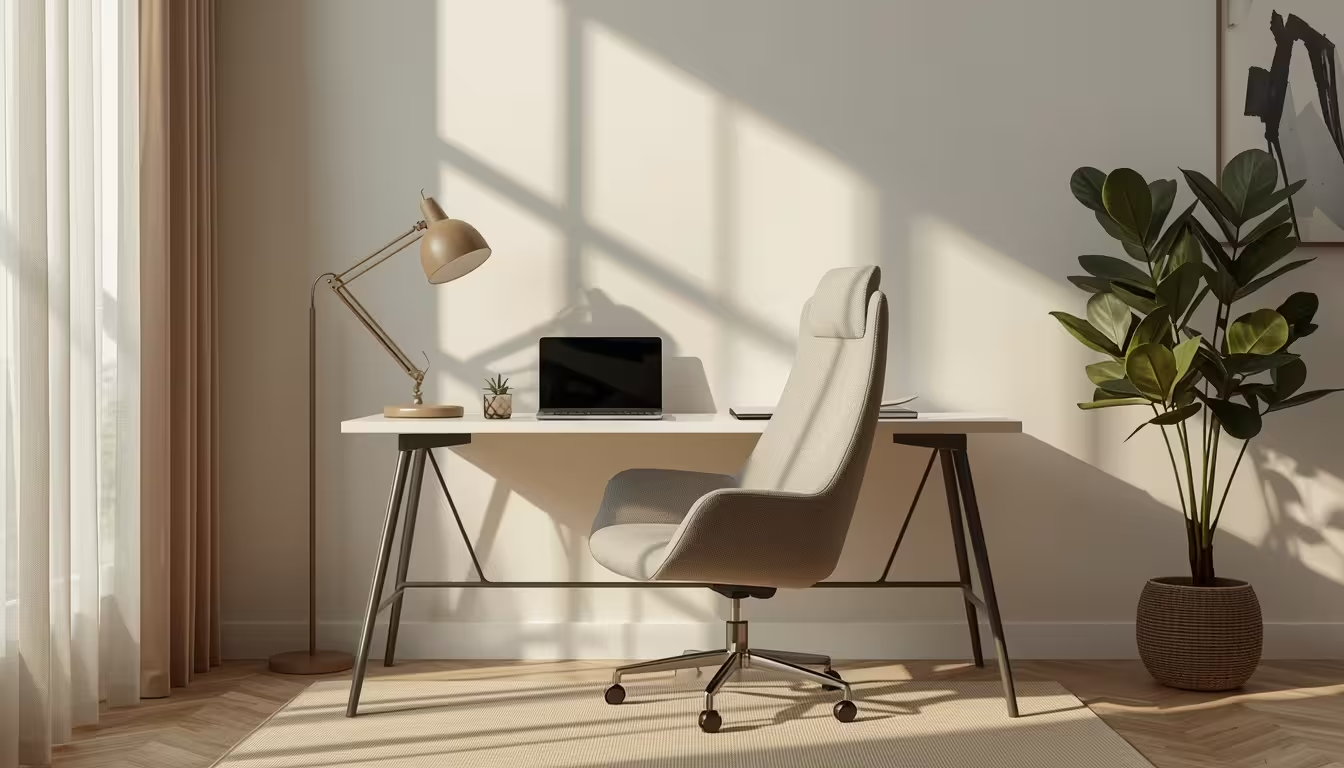
Your workspace is where your physical health is won or lost. A bad setup is like carrying a small weight all day — you barely notice it at first, but the strain accumulates. Getting your desk, chair, and screen position right takes fifteen minutes and pays off for years.
🪑 Chair and Desk — Get the Basics Right First
Your chair should support the natural curve of your lower back — not push you forward or let you slump. Your feet should rest flat on the floor, your knees should be at roughly 90 degrees, and your elbows should be at the same angle when you’re typing. If any of those feel off, adjust your chair height before anything else.
Lumbar support—Your lower back should be supported, not floating in space
Feet flat on the floor — Use a footrest if your chair can’t go low enough
Elbows at 90° — Your desk height should let you type without raising or dropping your shoulders
Monitor at eye level — Top of the screen at or just below eye level, about an arm’s length away
⌨️ Keyboard and Mouse — Small Details, Real Impact
Using a laptop keyboard and trackpad for hours is a recipe for wrist and shoulder problems. An external keyboard lets you position your hands naturally, and an ergonomic mouse reduces the repetitive strain that leads to issues like carpal tunnel over time.
💡 Quick Win: If your neck is sore at the end of the day, your monitor is almost certainly too low. Raise it using a monitor stand or even a stack of books. Your neck will thank you within a day or two.
Take Regular Breaks and Keep Your Body Moving
The Pomodoro Technique is one of the most effective and simple productivity methods out there. You work for 25 focused minutes, take a 5-minute break, and after four rounds you take a longer 15–30 minute break. It forces you to step away regularly — which is exactly what your body and brain need.
🍅 Try the Pomodoro Technique
Your chair should support the natural curve of your lower back — not push you forward or let you slump. Your feet should rest flat on the floor, your knees should be at roughly 90 degrees, and your elbows should be at the same angle when you’re typing. If any of those feel off, adjust your chair height before anything else.
💼
25 min Focused work
☕
5 min Short break
💼
25 min Focused work
🚶
15–30 min Long break
🧘 Simple Stretches You Can Do at Your Desk
You don’t need a gym or a yoga mat. These three stretches take less than two minutes and make a real difference when done consistently throughout the day.
Neck stretch — Slowly tilt your head side to side, holding for 5 seconds each. Releases tension that builds from looking at a screen.
Wrist stretch — Extend one arm, pull your fingers back gently with the other hand. Hold for 10 seconds each side. Prevents carpal tunnel buildup.
Stand and walk — Every hour, stand up and walk somewhere — even just to the kitchen and back. It resets your posture and gets blood flowing again.
🏃 Even 15 minutes counts: You don’t need a 45-minute workout to see benefits. A 15-minute walk, a quick bodyweight circuit, or even dancing around your kitchen during a break genuinely reduces stress and gives you an energy boost for the rest of the afternoon.
Reduce Eye Strain and Sleep Better at Night
Remote workers stare at screens longer than almost anyone else. That comes with two predictable consequences: eye strain during the day and poor sleep at night. Both are very fixable — once you know what's causing them.
👁️ The 20-20-20 Rule — The Simplest Eye Fix There Is
Every 20 minutes, look at something at least 20 feet away for 20 seconds. That’s it. It gives your eye muscles a chance to relax from the constant close-focus work of staring at a screen. Set a recurring timer if you need the reminder.
20
Every 20 minutes, pause what you're doing
20
Look at something 20 feet (6 metres) away
20
Hold your gaze there for 20 seconds
😴 Improving Your Sleep as a Remote Worker
When your office is also your home, it’s genuinely hard to mentally “leave work.” That blurred boundary is one of the main reasons remote workers report worse sleep than office workers. Here’s how to fix it.
Set a consistent finish time — When you close your laptop at the same time every day, your brain learns that work is done
No screens 30 minutes before bed — Blue light tricks your brain into thinking it’s still daytime, delaying sleep
Use blue light filters in the evening — Night mode on your devices or blue light glasses help reduce the impact on your sleep cycle
Avoid caffeine after 2pm — Caffeine has a half-life of about 5–6 hours, meaning a 3pm coffee is still half-strength at 9pm
⚠️ Common Mistake: Many remote workers check Slack or email right before bed “just to see if anything urgent came in.” This is one of the most reliable ways to ruin your sleep. Set a hard cut-off for work notifications at least an hour before bed.
Manage Stress and Protect Yourself from Burnout
Burnout doesn't happen overnight. It sneaks up on you — a few too many late nights, a weekend where you couldn't fully switch off, a feeling that work is always present even when you're not working. By the time you recognize it, you're already in it. Here's how to stay ahead of it.
🚧 Set Clear Work Boundaries — and Actually Keep Them
The single most effective thing you can do for your mental health as a remote worker is to treat your work hours like a real boundary, not a suggestion. Set a start time and an end time. When the end time hits, close your laptop. Don’t check email. Don’t check Slack. The work will be there tomorrow.
🧠 Why Boundaries WorkWhen your brain knows work has a defined end, it can actually relax during off-hours. Without a clear end point, your brain stays in a low-level “work mode” all evening — which is exhausting even when you’re not technically working.
🧘 Quick Stress Relief That Actually Works
You don’t need to meditate for an hour a day to see mental health benefits. Even 10 minutes of intentional stillness makes a difference. Try these:
01
Meditation
10 minutes a day using an app like Headspace or Calm. Lowers cortisol, improves focus, and reduces anxiety over time.
02
Deep Breathing
Breathe in for 4 seconds, hold for 4, out for 6. Repeat 5 times. Activates your parasympathetic nervous system in under two minutes.
03
Journaling
Write down three things that went well today. Simple, takes 2 minutes, and genuinely shifts your mental state toward the positive.
Stay Socially Connected Don't Let Isolation Win
This is the one remote work health challenge that people underestimate the most. Physical isolation is manageable. But when weeks go by without a real conversation that isn't work-related, it starts to affect your mood, your motivation, and your sense of belonging.
The fix isn't complicated — it just needs to be intentional, because it no longer happens automatically like it did in an office.
Schedule virtual check-ins — A weekly video call with your team that isn’t just about work goes a long way toward feeling connected
Use a co-working space occasionally — Even once a week, being around other people (even strangers) resets your social energy
Keep up with friends outside work — Remote work makes this easier to neglect; put social plans in your calendar like you would any other appointment
Virtual coffee breaks — A 15-minute casual video call with a colleague, no agenda, just chatting — underrated and genuinely helpful
🤝 Don’t wait until you feel lonely: By the time you notice isolation affecting your mood, it’s already been building for a while. Schedule social connection proactively, before you feel like you need it — the same way you would schedule exercise.