Best Laptop Stand for Work From Home Desk Setup (2026)

What You'll Know After Reading This
- ✅A laptop stand is not optional — it's essential. When your laptop sits flat on a desk, your screen is too low, forcing your neck to bend forward all day. A stand fixes this instantly.
- ✅Screen height matters for your health. Your laptop screen should sit at or just below eye level, reducing neck strain, upper back pain, and shoulder tension during long work-from-home sessions.
- ✅Adjustable stands outperform fixed ones. A stand with adjustable height and tilt angle fits your body perfectly — whether you're short, tall, sitting, or using a standing desk.
- ✅Always pair a laptop stand with an external keyboard and mouse. Once your screen is raised, typing on the laptop keyboard becomes uncomfortable. An external keyboard completes the ergonomic setup.
- ✅Laptop stands also keep your laptop cool. Most good stands have ventilation cutouts that allow airflow, preventing overheating during long work sessions.
- ✅Portable vs. stationary — know what you need. If you only work from home, a sturdy aluminum stationary stand is ideal. If you move between locations, choose a foldable, lightweight stand.
- ✅Quality stands are available from $20 to $90. Top picks for 2026 include Lamicall, Rain Design mStand, Roost, Nulaxy, and WorkEZ — all trusted by remote workers worldwide.
You've upgraded your chair, bought a nice monitor, and even added a desk plant for good measure. But if your laptop is still sitting flat on your desk, your neck is silently paying the price every single day. Most remote workers overlook this one inexpensive fix — and it's the difference between a truly ergonomic home office and one that just looks the part. In this guide, you'll discover exactly which laptop stand is right for your setup, your budget, and your body.
What Is a Laptop Stand (and Why Do You Need One)?
A laptop stand is a desk accessory that elevates your laptop screen to a more ergonomic viewing height, typically raising it 4 to 8 inches above your desk surface. It replaces the common (and damaging) habit of using a laptop flat on your desk, which forces your head and neck into a downward tilt for hours at a time.
Laptop stands range from simple fixed-height risers to fully adjustable multi-angle platforms. Some are rigid aluminum designed for permanent desk setups; others fold flat into a bag for remote workers on the move. What they all share is a single purpose: to bring your screen up to eye level so your spine stays neutral while you work.
A laptop stand is a desk accessory that raises a laptop screen to eye level, correcting the downward head tilt caused by using a laptop flat on a surface and reducing musculoskeletal strain during extended work sessions.
Ergonomic laptop stands are designed to position the top of the screen at or just below the user's eye level, which maintains a neutral spine and reduces the risk of tech neck and upper back pain.
Why a Laptop Stand Matters for Your Health and Productivity
When your laptop sits flat on your desk, you tilt your head roughly 30–45° downward to look at the screen. Studies in ergonomics research show that a 45° neck tilt puts approximately 49 lbs of effective pressure on the cervical spine — far beyond what your neck is designed to sustain for 6–8 hours a day.
The downstream effects of poor laptop posture are well-documented: neck stiffness, shoulder tension, upper back pain, and even headaches from sustained muscle strain. For remote workers clocking in 8+ hours at a desk, this isn't a minor inconvenience — it's a long-term health risk.
A laptop stand solves this with a one-time investment under $100. Beyond ergonomics, stands also improve airflow underneath your laptop, reducing thermal throttling and extending the life of your device.
Types of Laptop Stands: Which One Is Right for Your Setup?
Not all laptop stands are built for the same use case. Understanding the main categories will save you from buying the wrong one.
Fixed-Height Stands (Stationary)
These are typically machined from a single piece of aluminum or formed steel, with no moving parts. They hold your laptop at one specific angle and height. Best for: remote workers with a permanent, dedicated home office desk. Examples: Rain Design mStand, Twelve South Curve.
Adjustable Stands
These let you fine-tune both height and tilt angle via folding arms, telescoping columns, or sliding mechanisms. Best for: workers who share a desk, use a standing desk converter, or have specific ergonomic needs. Examples: Nulaxy Laptop Stand, Lamicall Adjustable Stand, WorkEZ Best.
Portable and Foldable Stands
Designed to collapse flat or fold into a slim profile, these slip into a laptop bag alongside your device. Best for: remote workers who split time between home, office, coffee shops, or co-working spaces. Examples: Roost Laptop Stand, Nexstand K2.
Vertical (Docking) Stands
These hold your closed laptop upright in a vertical dock rather than opening it at an angle. They're designed for closed-clamshell mode. Best for: power users with a dual-monitor setup who rarely use the laptop screen directly. Examples: Twelve South BookArc, Satechi Vertical Stand.
How to Choose the Best Laptop Stand for Your Home Office
With dozens of models on the market, these are the five buying criteria that separate a good laptop stand from one that ends up collecting dust:
- Adjustability: Can it reach the right height for your seated eye level? Most adults need a lift of at least 5–7 inches.
- Stability: Does it wobble when you type? Look for anti-slip pads on both the feet and the laptop resting surface.
- Ventilation: Does the stand allow airflow under the laptop? Open-frame designs are far better for cooling than solid tray designs.
- Weight capacity: Most 15–16" laptops weigh 4–5 lbs; gaming laptops can exceed 6 lbs. Check the spec sheet.
- Portability: Do you need to move it regularly? If yes, weight and fold-down size matter as much as ergonomics.
- Compatibility: Check the laptop width range. Most stands accommodate 10"–17" laptops.
Top 5 Best Laptop Stands for Work From Home in 2026
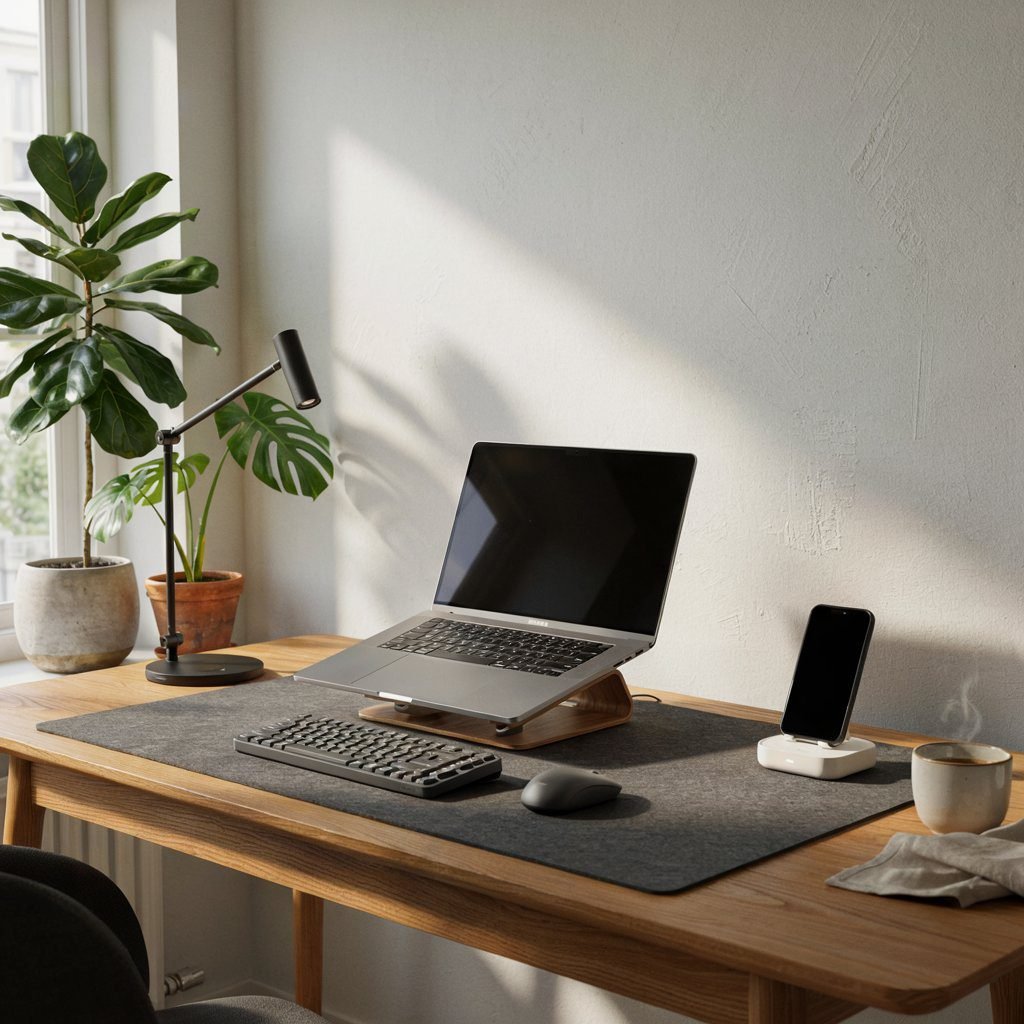
These picks were evaluated across stability, adjustability, build quality, value, and real-world remote worker use.
Nulaxy Laptop Stand
The Nulaxy is the workhorse of the laptop stand world. It offers six adjustable height levels (from flat to 8.5 inches), folds flat for storage, and supports laptops up to 17 inches wide. The silicone pads grip firmly without scratching, and the folded-steel construction handles the weight of even a 16" MacBook Pro without flex.
For the vast majority of work-from-home setups, the Nulaxy hits the perfect balance of ergonomics, durability, and price. It's the pick we'd recommend to a friend setting up their first home office.
Rain Design mStand
Machined from a single piece of anodized aluminum, the mStand perfectly matches the finish of any MacBook. It elevates your screen to a fixed 6 inches and includes a thoughtful cable routing channel in the base. Best for dedicated home office users who prioritize a clean, premium desk aesthetic.
Roost Laptop Stand
The Roost collapses to a 1" x 9" bundle weighing just 5.5 oz. Unfolded, it adjusts across 5 height levels up to 9 inches and accommodates any laptop from 11" to 17". At $75–$85 it's the most expensive pick on this list, but for hybrid workers who carry a laptop daily, it's worth every penny.
Lamicall Laptop Stand
The Lamicall adjusts from 3.5" to 7.5" in height, supports laptops up to 15.6", and has well-designed silicone grips. The aluminum alloy construction feels premium for the price point. If your laptop is 15.6" or smaller, the Lamicall is the best value on this list at $22–$25.
WorkEZ Best Laptop Stand
The WorkEZ Best adjusts from 3" up to an impressive 16" in height and supports up to 12 lbs of laptop weight. For a permanent standing desk setup where you need maximum height range and weight capacity, the WorkEZ is the right tool.
Side-by-Side Comparison: Top Laptop Stands at a Glance
| Stand | Height Range | Max Laptop | Price | Portable | Adjustable | Best For |
|---|---|---|---|---|---|---|
| Nulaxy | 2.4"–8.5" | 17" | ~$28 | ✓ | ✓ | Overall best value |
| Rain Design mStand | 6" fixed | 17" | ~$50 | ✗ | ✗ | Premium aesthetic |
| Roost | Up to 9" | 17" | ~$80 | ✓✓ | ✓ | Hybrid / travel workers |
| Lamicall | 3.5"–7.5" | 15.6" | ~$23 | ✓ | ✓ | Budget pick |
| WorkEZ Best | 3"–16" | 17"+ (12 lbs) | ~$65 | ✗ | ✓ | Standing desks |
How to Set Up Your Laptop Stand for Perfect Ergonomics
Buying the right stand is step one. Setting it up correctly is what actually eliminates neck and back pain. Follow these four steps:
- Position the stand first, then adjust height. The top of the screen should sit at or slightly below your eye level when sitting with a straight back.
- Connect an external keyboard and mouse. Your elbows should sit at roughly 90° with the keyboard flat on your desk.
- Check your chair height. Feet flat on the floor, knees at 90°, hips slightly above knee level.
- Maintain 20–28 inches of viewing distance. If you're leaning forward to read text, increase your font size rather than moving the screen closer.
Frequently Asked Questions About Laptop Stands for Work From Home
Final Verdict: The Right Laptop Stand Transforms Your Workday
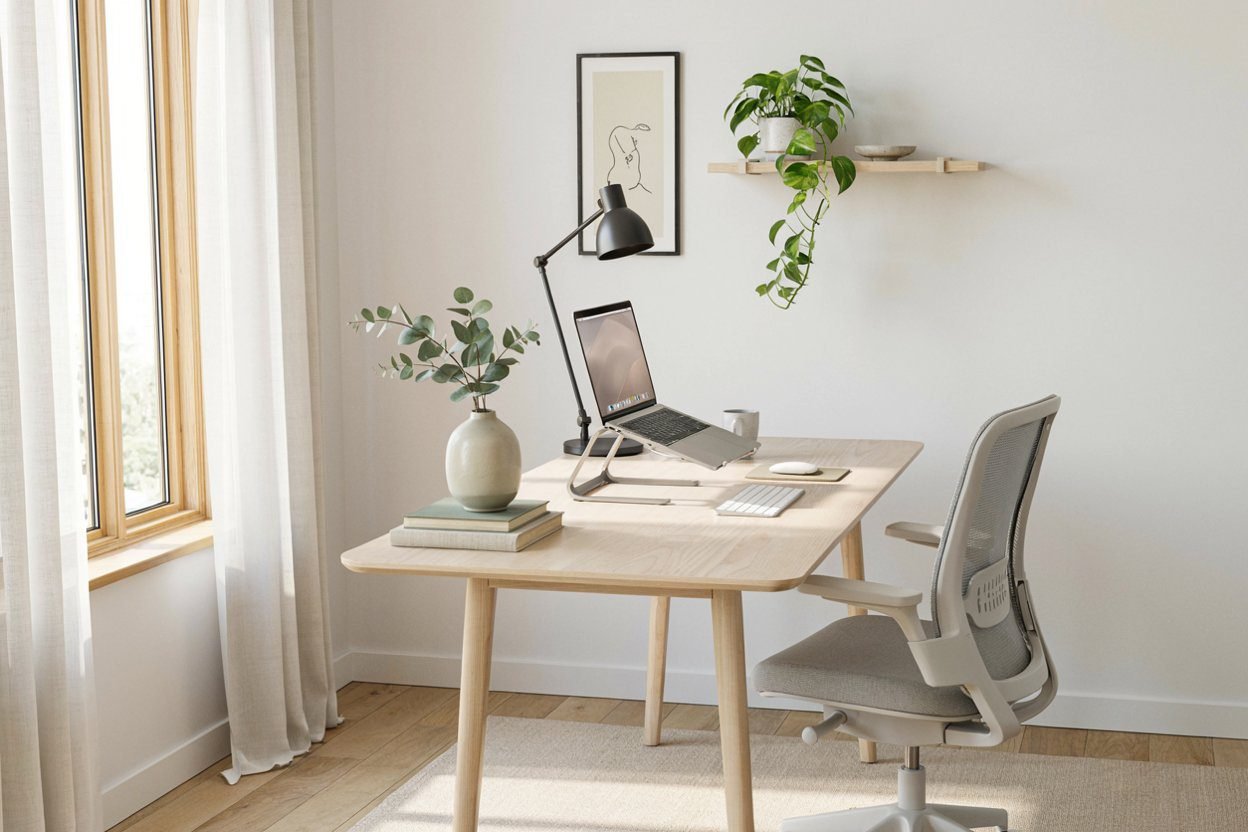
A laptop stand is not a luxury — it's the single cheapest, most effective ergonomic improvement available to any remote worker. For $25 to $85, you eliminate the number one cause of work-from-home neck and back pain, improve your laptop's thermal performance, and create a cleaner, more professional desk setup.
For most remote workers, the Nulaxy Laptop Stand is the clear recommendation: adjustable, stable, compatible with almost any laptop, and priced under $30. If you prize aesthetics and have a permanent setup, the Rain Design mStand is worth the premium. And if you're a hybrid worker on the move, the Roost is worth every penny.
Pick one, pair it with an external keyboard and mouse, adjust your chair — and within a week, your neck will thank you.
Add a Comment