2026 Complete Guide
Workspace Surroundings How to Design a Home Office
Most remote workers spend hours choosing the right laptop or monitor — and then sit in a dark, cluttered, noisy room wondering why they cannot focus. Your workspace surroundings have a bigger impact on your daily performance than most people ever realize. This guide shows you how to build an environment that supports your concentration, protects your health, and actually makes you want to sit down and work.
Table of Contents
Toggle
Why Your Workspace Surroundings Shape Your Whole Day
Your brain is constantly processing the environment around you — even when you think you are fully focused on your screen. Noise pulls at your attention. Clutter creates low-level anxiety. Poor lighting drains your energy before midday. These are not small inconveniences. Over time, they add up to real, measurable losses in your productivity and wellbeing.
On the other side, a well-designed workspace works with you. It reduces friction, keeps you comfortable, and makes
it easier to stay in a focused state for longer stretches without the effort of fighting your surroundings.
01
Sharper Focus
A clean, organized space removes the visual noise that competes for your attention — even when you are not consciously aware of it pulling you away from your work.
02
Better Physical Health
The right furniture and thoughtful layout protect your back, neck, and wrists from the kind of strain that builds silently over weeks and months of daily sitting.
03
Stronger Daily Energy
Good lighting, fresh air, and a space that feels personal keep you more engaged and motivated — especially through the long mid-afternoon hours when most people start losing focus.
📌 Key Insight
Small, intentional improvements to your immediate surroundings deliver more practical benefit than most expensive equipment upgrades. You do not need to redesign your home — you just need to be deliberate about what surrounds you while you work.
Choose the Right Spot in Your Home
Before you buy a single piece of furniture, decide where your workspace will actually live. This is the most important decision in the entire setup process — because a poor location quietly works against every other improvement you try to make on top of it.
Quiet First — Always
The single most important quality to look for in a workspace location is low noise. A spare room with a door that closes is ideal. If that is not possible, a corner away from the TV or kitchen, separated by a bookshelf or room divider, creates a surprisingly effective psychological boundary between work time and home life.
That mental boundary matters more than most people expect. When your brain has a physical cue that says ‘this is the work zone,’ it shifts into focus mode faster and holds it longer.
Position Natural Light Correctly
Working near a window is genuinely helpful — natural light improves alertness, supports your body clock, and makes the space feel more open and pleasant to spend time in. But the direction matters. Place your desk so the light comes in from the side, not directly behind your screen or straight into your eyes. Side lighting gives you the brightness benefits without the glare or the backlit silhouette on video calls.
🏃 Leave Room to Move
Your workspace should never feel cramped. Leave enough clear floor space to stand up, stretch, and walk around comfortably at least once per hour. Movement breaks are not optional extras — they are essential for your concentration, your posture, and your energy levels throughout a long working day.
💡 Pro Tip: Sheer curtains on a sunny window soften harsh midday light without blocking daylight entirely. Your room stays bright and comfortable without the constant squinting or screen reflections.
Choose Furniture That Works With Your Body
Furniture is where most people either invest wisely or regret it within months. A cheap chair feels like a good saving until the back pain starts. A sit-stand desk sounds unnecessary until you realize how much better you feel on days when you use it. Spend thoughtfully here — it pays you back every single working day.
Ergonomic Chair — The Non-Negotiable
You sit in your chair for six to eight hours a day. No other purchase has more direct, daily impact on how your body feels. A proper ergonomic chair holds your spine in its natural position, keeps your shoulders relaxed, and lets your feet rest flat without you having to think about your posture every few minutes.
- Lumbar support — Maintains the natural inward curve of your lower back throughout the entire working day.
- Seat height — Adjustable so your feet rest flat on the floor with your knees at a natural 90-degree angle.
- Armrests — Set so your shoulders stay completely relaxed while you type — not raised or tensed.
- Breathable backrest — Mesh material keeps air moving and prevents overheating during long afternoon sessions.
- Seat depth — Leave a small gap behind your knees to prevent circulation problems in your legs.
💡 Pro Tip: Do not cut corners on the chair. The back pain that comes from a cheap one arrives within weeks and takes months to recover from. A good chair is the highest-value investment in your daily comfort.
Desk — Size and Height
Your desk needs to be wide enough to hold your screen, a notebook, and a drink without feeling crowded. For most people, 47 to 55 inches wide is comfortable. To check the height: sit with good posture and rest your hands on the surface. Your elbows should sit at roughly 90 degrees. If your shoulders creep up or you lean forward to reach, the height is off.
💡 Pro Tip: A sit-stand desk is not about standing all day — it is about switching positions every 60 to 90 minutes. That movement alone dramatically reduces afternoon stiffness and the energy dips that come from sitting completely still for hours.
Smart Storage — Clear Desk, Clear Mind
Clutter on your desk becomes clutter in your head. Wall-mounted shelves keep books and reference materials within reach without taking up workspace. A small filing cabinet handles documents cleanly. The simple rule: if you do not actively use it during the workday, it should not be on your desk surface.
Must-Have Chair Features for Long Hours
Feature |
Why It Matters |
Priority |
|---|---|---|
Lumbar support
|
Prevents lower back pain during long sessions
|
Must Have
|
Adjustable armrests
|
Reduces shoulder and neck tension
| |
Height adjustability
|
Ensures correct posture for your body size
| |
Seat depth adjustment
|
Prevents circulation issues in thighs
| |
Supports neck during calls and long reading sessions
|
Nice to Have
|
Build a Lighting System That Works for You
Poor lighting is one of the most common causes of headaches and afternoon fatigue in home offices — and almost always the last thing people think to fix. Most people blame the screen or the workload, when the real problem is working under a single harsh overhead bulb with no other light in the room. Good lighting is layered, not singular.
Natural light—Side-on to a window gives you even, glare-free daylight during morning hours — the best light source available.
Task lighting — A dimmable LED desk lamp for focused work and dark or cloudy days when natural light is not enough.
Ambient lighting — A floor lamp or soft overhead fixture fills the room and reduces the harsh contrast between a bright screen and a dark background.
Bias lighting — A light strip behind your monitor significantly reduces eye strain during long sessions and makes you look far better on video calls.
Color Temperature Tip
Use cool-white or daylight bulbs (5000 to 6500K) during working hours — they keep you alert and focused. After 4 PM, switch to warmer tones (2700 to 3000K) to protect your sleep quality that night.
Organize Your Space to Free Your Mind
A cluttered desk is not just an aesthetic problem. The visual noise of too many objects competes for your attention in a quiet but constant way — even when you think you have completely tuned it out. Keeping your workspace tidy is one of the lowest-effort, highest-impact changes you can make to your daily focus.
Two-Minute Evening Clear
Spend two minutes at the end of every workday returning things to where they belong. This is not about perfectionism. It is about starting tomorrow without the subtle mental drag of yesterday’s unfinished mess still on your desk when you sit down.
Sort Your Cables
Cable clutter is surprisingly distracting. A handful of velcro ties, a small cable management box, or a few adhesive clips along the edge of your desk takes 15 minutes to set up and makes the entire workspace feel noticeably cleaner, calmer, and more professional.
Go Digital Where You Can
A well-organized folder structure on your computer, combined with cloud storage like Google Drive or Dropbox, eliminates a large source of physical paper clutter. If a document does not need to be printed, it almost certainly should not be.
Make the Space Feel Like Yours
This is the step people most often skip because it feels unimportant compared to chairs and monitors. Do not skip it. You are going to spend a significant part of your working life in this space. It should feel good to be in it — not just functional.
Add Something That Means Something to You
A framed print you genuinely like, a small vision board, a quote on the wall from someone whose thinking you respect — these small visual details keep you connected to your purpose and make your workspace feel personal rather than generic. A space that feels like yours is a space you are more motivated to sit in and do good work.
Small Comforts Make a Real Difference
A cushion on your chair, a small rug underfoot, a warm drink you enjoy — these small physical details make long stretches at your desk genuinely more pleasant. Comfort and focus are not opposites. When your body feels good, your mind stays on the work longer and more naturally.
Add a Plant or Two
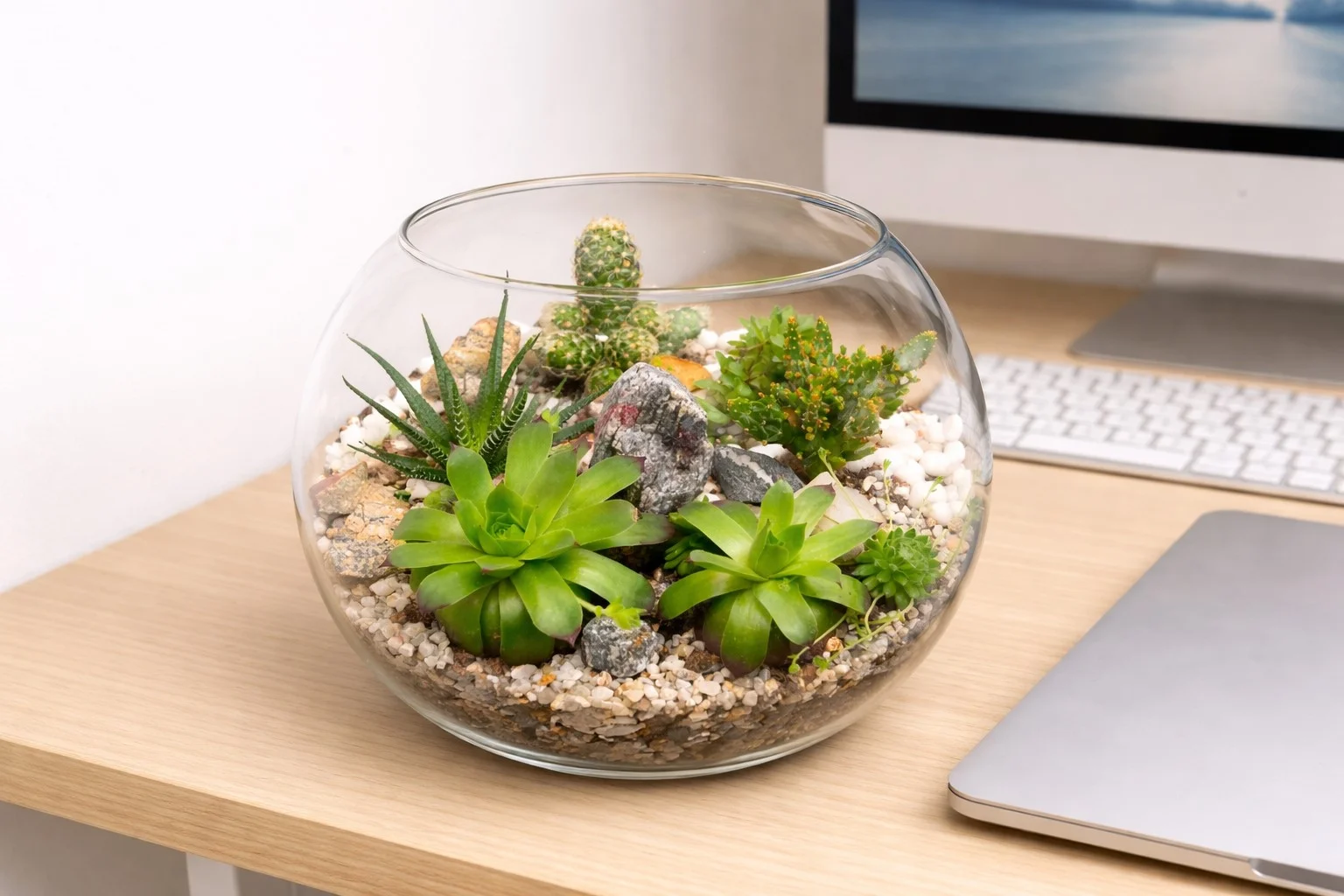
Plants are not just for looks. Studies consistently show that even a single small plant in a workspace reduces stress, improves air quality, and helps people feel more calm and focused. You do not need a green thumb — start with something nearly impossible to kill.
Succulent
Needs almost no water and thrives on neglect. The perfect starting plant for anyone who forgets to water things.
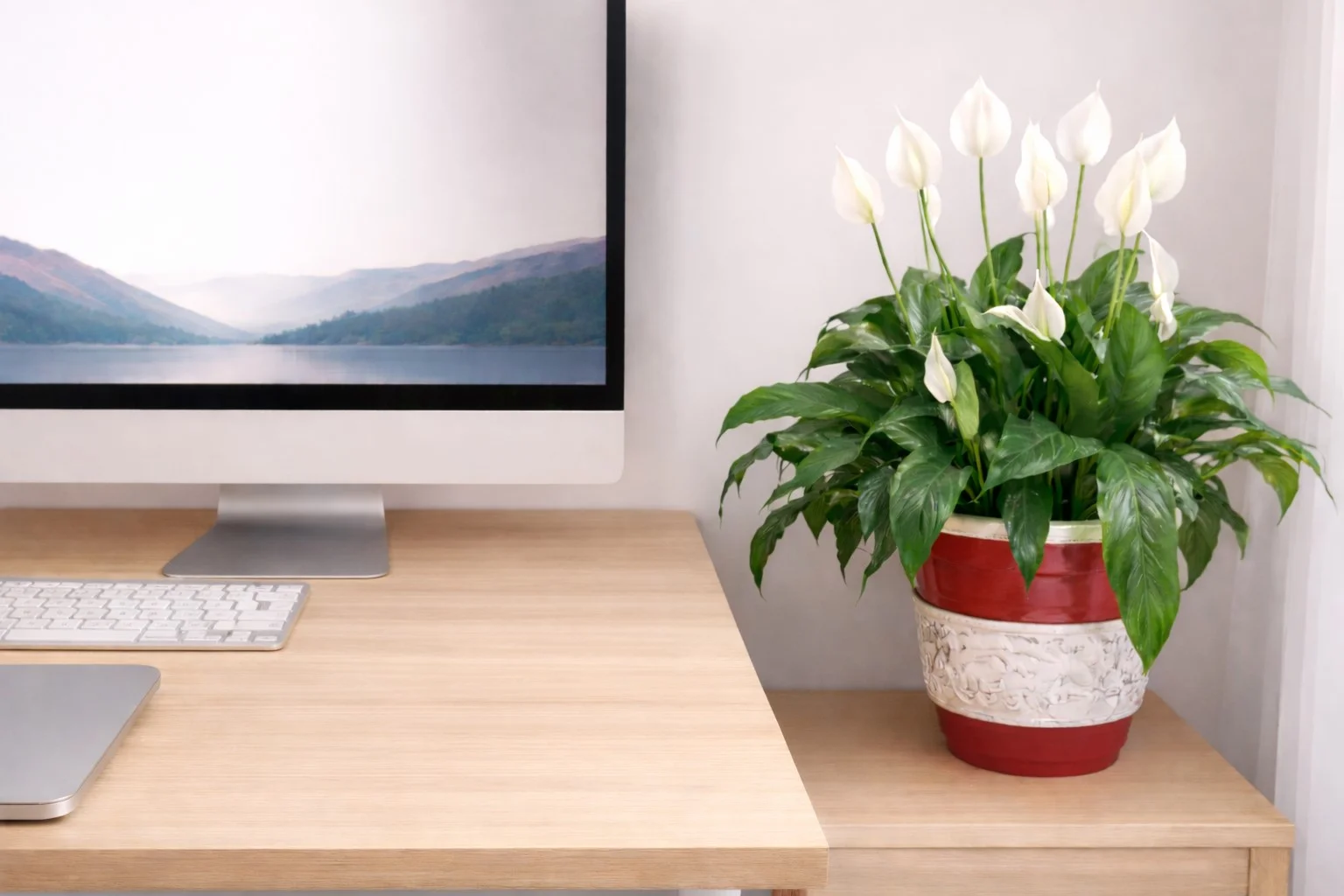
Peace Lily
Grows well in low light and actively filters common indoor air pollutants. Great for windowless offices.
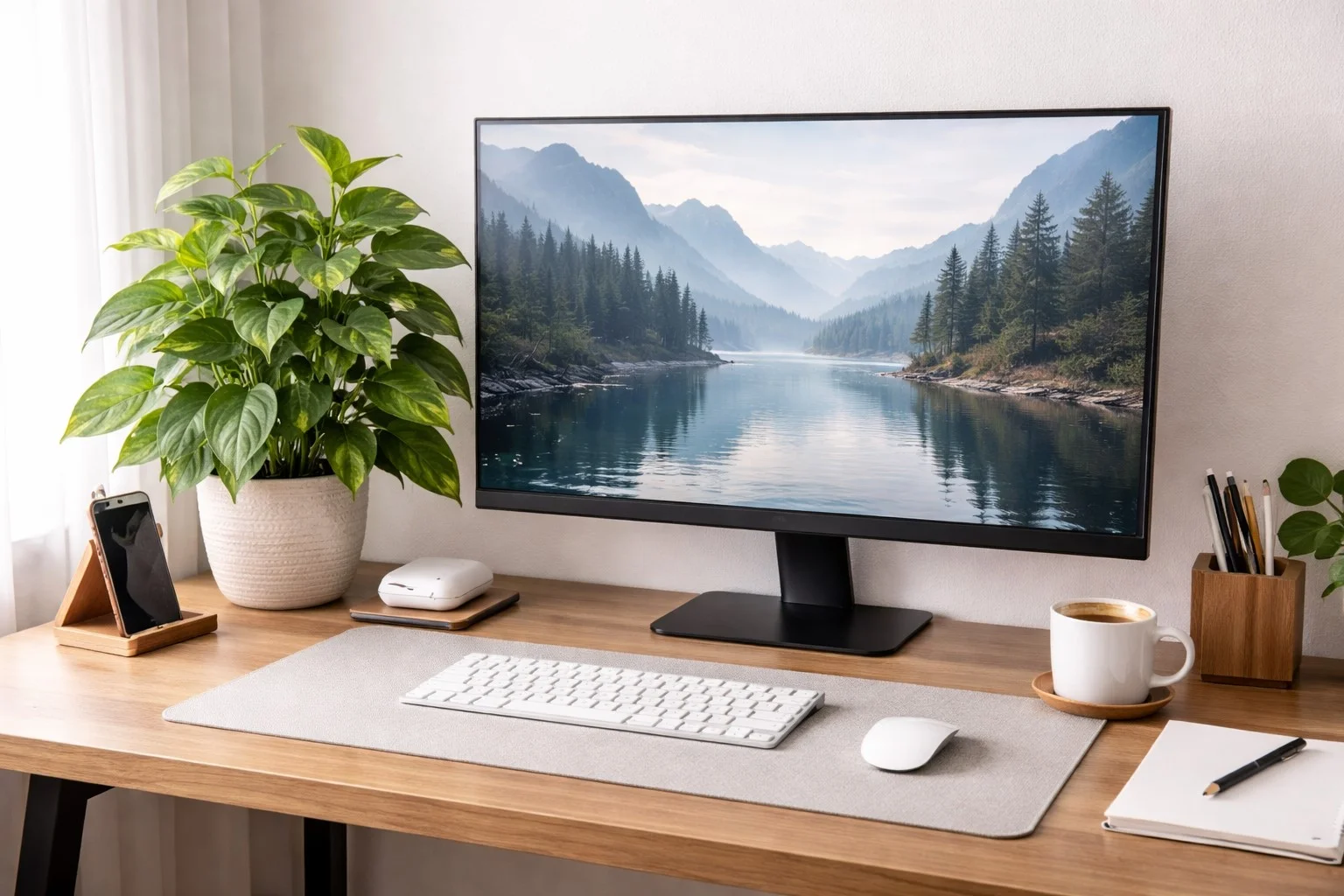
Pothos
Fast-growing, trailing, and incredibly forgiving. Works beautifully on a shelf or hanging near your desk.
📌 Key Insight
A great workspace does not happen by accident. It is built on purpose — one small, deliberate improvement at a time.